
If you want to present and record structured thinking and organized analysis, the T-Chart Template is the ideal place to start. Its capacity to distill intricate information into a comprehensible format makes this a highly valued resource. T-Charts let individuals and teams from classrooms to conference rooms dissect, compare, and synthesize data. This easy-access format encourages insightful decision-making and fosters innovative thought. T-Charts’ adaptability, coupled with their intuitive design, makes them a useful asset in a data-rich landscape. Whether applied in troubleshooting, bolstering collaboration, or refining communication, T-Chart Templates are a superb, methodical organization system. We’ll walk you through the intricacies of these documents and offer some of our best tips to help you make the most of your T-Chart Template.
What is a T-Chart Template?
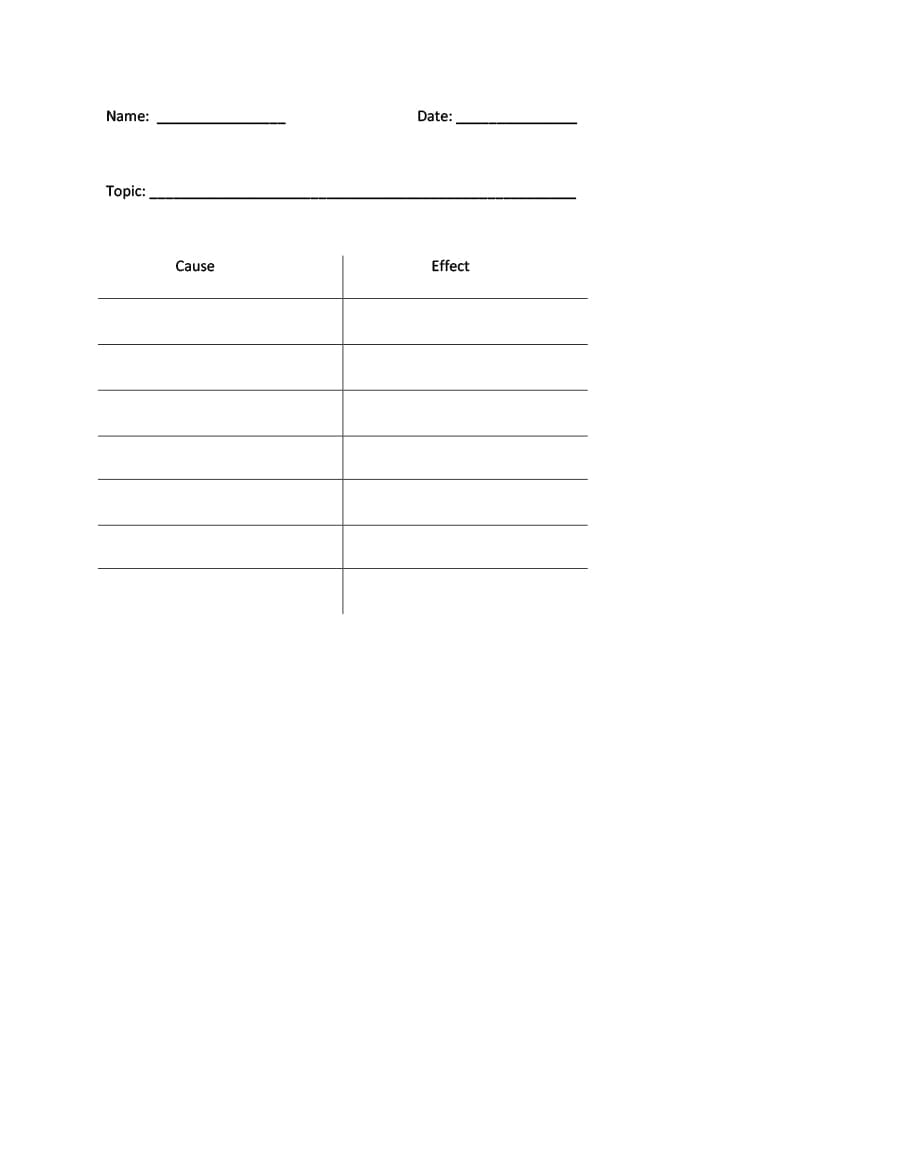
A T-Chart template is a visual organizer that resembles the letter “T.” It is commonly used to compare and categorize information. This is a versatile tool that aids in structuring data, organizing thoughts, sharing information, and facilitating critical thinking processes.
Fun Fact: William Playfair was credited with inventing the bar, line, and area charts in 1786, but T-Chart templates find their roots in ancient history. These helpful visual formats were first used in rudimentary form to record and compare data centuries ago. Today, T-Charts have evolved into a highly adaptable asset used across various fields and industries to show data in a way that makes it easier to understand.
T-Chart Templates
T-Chart Template 01

T-Chart Template 02

T-Chart Template 03

T-Chart Template 04

T-Chart Template 05

T-Chart Template 06

T-Chart Template 07

T-Chart Template 08

T-Chart Template 09

T-Chart Template 10

T-Chart Example 11

T-Chart Example 12

T-Chart Example 13

T-Chart Example 14

T-Chart Example 15

T-Chart Example 16

T-Chart Example 18

T-Chart Example 19

T-Chart Example 20
Why is a T-Chart Template Important?
T-Chart Templates are important for teachers in educational institutions and are used in many other fields. Here are some of the reasons you may need a professional T-Chart Template:
- Clarity in Comparison: T-Charts offer a clear and visually appealing way to compare two or more data sets. This makes it easy for users to discern differences and similarities.
- Structured Organization: T-Chart Templates provide a structured framework for organizing information. The structure aids in logical reasoning and systematic analysis.
- Enhanced Decision-Making: T-Charts assist in weighing pros and cons when making decisions. Better data allows for a more informed choice.
- Effective Data Presentation: They are an efficient tool for presenting information. When used properly, T-Chart Templates make complex information more accessible and understandable to the audience.
- Problem Solving: These charts are valuable in problem-solving. They let users break down complex issues into smaller and more manageable components.
- Effective Teaching Tool: Teachers use T-charts to help students compare and contrast concepts. As learning aids, they help foster critical thinking skills.
- Improved Communication: In group discussions and meetings, T-Charts are a visual aid that promotes and fosters communication and comprehension.
- Creative Thinking: This format encourages creative thinking. By providing a canvas for brainstorming ideas and exploring different perspectives, it provides direction and even inspiration.
- Versatility: T-Chart Templates can be adapted for many purposes. From academic research to business analysis and creative planning, a well-designed T-Chart can help with collaborations and information sharing.
Important Fact: T-Chart templates come in digital and print formats. They can be customized quickly and easily to suit specific needs, making them versatile assets for users in different fields.
How to Create a T-Chart from a Template
Using your template to make a T-Chart is relatively straightforward. Here are some steps you can take to ensure the finished product is polished and professional:
- Selecting the Right Template: Start by choosing a T-Chart Template that suits your purpose. Whether it’s for comparing data, brainstorming ideas, or analyzing information, you need an appropriate and versatile document format that can adapt to your business needs.
- Defining the Categories: Label the top of the provided T-Chart with the categories you want to compare or analyze. These could be contrasting ideas, options, or variables that affect a project or goal, or data sets from research on a topic you care about.
- Populating the Chart: Fill in the T-Chart with relevant information, data, or ideas. List each item or idea under their respective categories. Use concise phrases or bullet points for clarity. This format depends on visual analysis of trends and similarities in the overview rather than blocks of text and detailed, nuanced information.
- Visual Clarity: Ensure that the chart is visually clear. You need proper spacing and formatting for easy readability. The eyes need visual breaks with a balance of information and blank space.
- Utilize Color Coding: Use different colors to highlight key points or distinctions. Doing this helps them stand out and makes sure that sub-groups of information are identifiably connected.
- Label and Title: Have a clear title at the top of the T-Chart that summarizes the purpose or focus. Label all the categories and elements with similar headings.
- Evaluate and Analyze: Once populated, analyze the T-Chart to draw conclusions, or identify patterns. Many businesses make decisions based on the comparisons drawn using T-Charts.
- Share and Collaborate: It is easy to share the T-Chart with colleagues, peers, or team members. You can email it as an attachment or print physical copies to help gather input and collaborate on analysis or decision-making.
- Update as Necessary: T-charts evolve as new information becomes available and decisions are made. It’s important to be prepared to update and revise as you go so your chart remains current and relevant.
Pro Tip: To create an impactful T-Chart, you can add brief explanatory notes or annotations alongside key data points. These help to provide context and enhance understanding.
T-Chart Examples
T-Chart Sample 21

T-Chart Sample 22

T-Chart Sample 23

T-Chart Sample 24

T-Chart Sample 25

T-Chart Sample 26

T-Chart Sample 27

T-Chart Sample 28

T-Chart Sample 29

T-Chart Sample 30

What to Avoid When Writing a T-Chart Template
Although creating a T-Chart is easy when you have a high-quality template to work from, there are still plenty of common pitfalls to avoid. Here’s what to watch out for:
- Overcrowding: Avoid trying to force too much information into the chart. It can become cluttered and challenging to interpret when you do this.
- Lack of Clarity: Use clear labels and concise language to prevent confusion. The chart’s categories and content should be easy to read and understand at a glance for the audience.
- Ignoring Visual Elements: Failing to use visual elements like color and spacing will hinder the chart’s readability and impact.
- Failure to Update: T-Charts aren’t stagnant. As new information is generated and acted upon, you must update and revise.
Helpful Hint: Try using digital tools and software to create your charts. A good T-Chart Template is compatible with various software that offers features for easy editing, collaboration, and sharing.
FAQs
A T-Chart resembles the letter “T.” It has a vertical line representing categories or concepts being compared with horizontal lines extending from each category for listing details or data.
T-Charts are used to compare, contrast, analyze, and organize information in a structured, simple visual format. They help with decision-making, collaboration, problem-solving, information sharing, and critical thinking.
T-Charts work by providing a clear framework for organizing data or ideas into visual categories. Users fill the chart with relevant information and then use it to make comparisons, collaborate, analyze data, draw conclusions, and make decisions.
Teachers use T-Charts as teaching aids to help students compare and contrast concepts. They help students explore ideas, and develop critical thinking skills. Plus a good T-Chart can facilitate discussions, promote clarity, and enhance learning.
Key Points
The T-Chart template can help you distill complex data, ideas, or decisions into a visually accessible format. T-Charts empower users to dissect, compare, and synthesize information from any source. From classrooms to boardrooms, this useful visual chart format encourages and contributes to informed decision-making and creative thinking. Their versatility aids in problem-solving, promoting collaboration, and enhancing communication. Moreover, T-Chart templates help you create documents that have structured organization and visual clarity to navigate complex data and chart a course forward armed with informed insights so you can take decisive actions.


