
In modern workplaces, managing employee information is a fundamental and ongoing task. The Employee Information Form offers a systematic approach to collecting and organizing these critical details. This comprehensive record ensures legal compliance and streamlines numerous HR functions. From onboarding to benefits administration, it serves as an indispensable resource. However, creating an effective form can be difficult, especially if you are unfamiliar with how these forms work and why a company needs them. In this article, we break down everything you need to know about making and using Employee Information Forms.
What is an Employee Information Form?
An Employee Information Form, often called an Employee Information Sheet or Employee Information Record, is a comprehensive document organizations use to collect and manage essential data about their employees. It is a centralized repository of crucial information. Having these forms filled out facilitates efficient human resource management and ensures compliance with legal and organizational requirements.
Fun Fact: Did you know that the concept of employee information forms has evolved significantly with the advent of digital technology? Many organizations use electronic forms today because they allow for seamless data collection and integration with HR software. Digital employee information forms increase the efficiency of HR processes.
Employee Information Forms
Employee Information Sheet

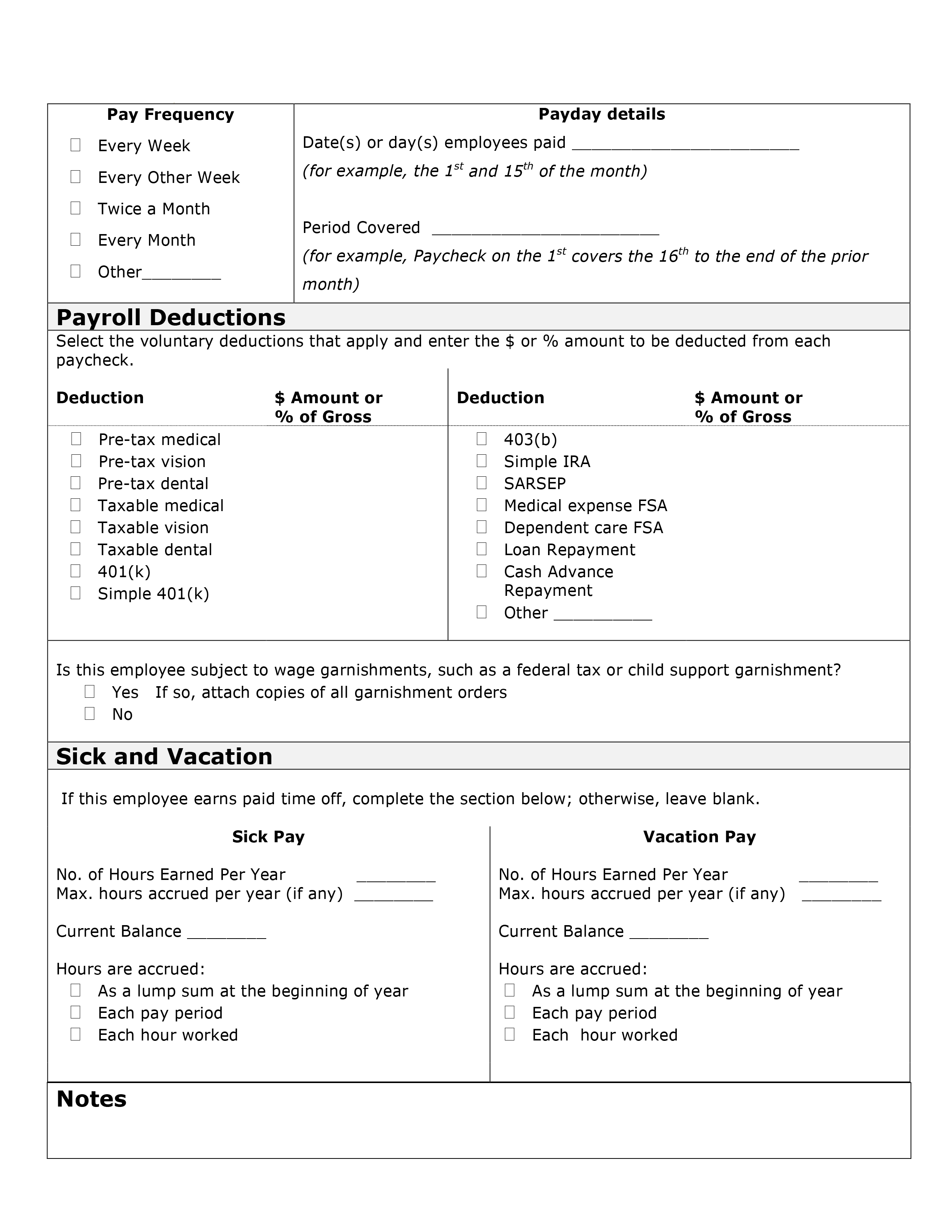
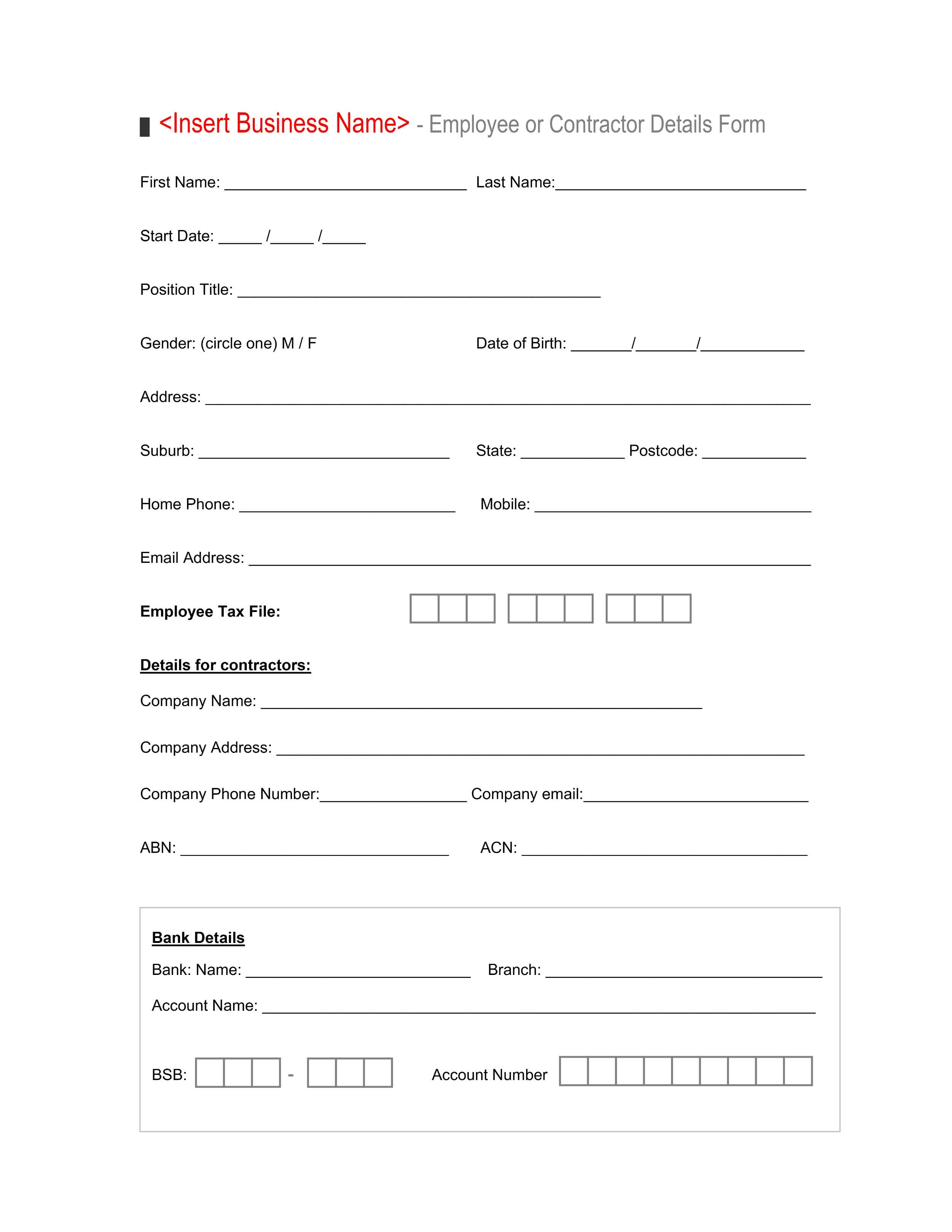
Employee or Contractor Details Form
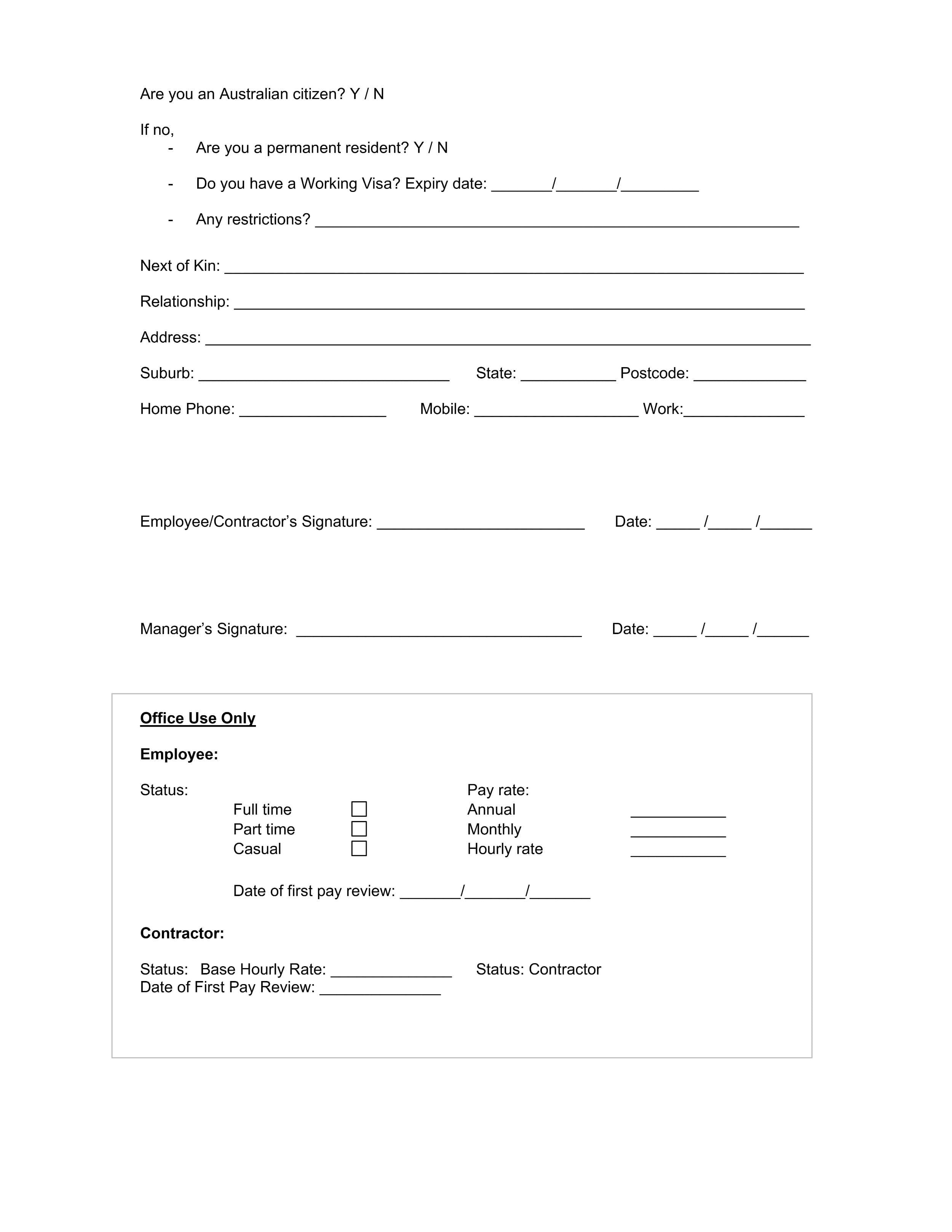
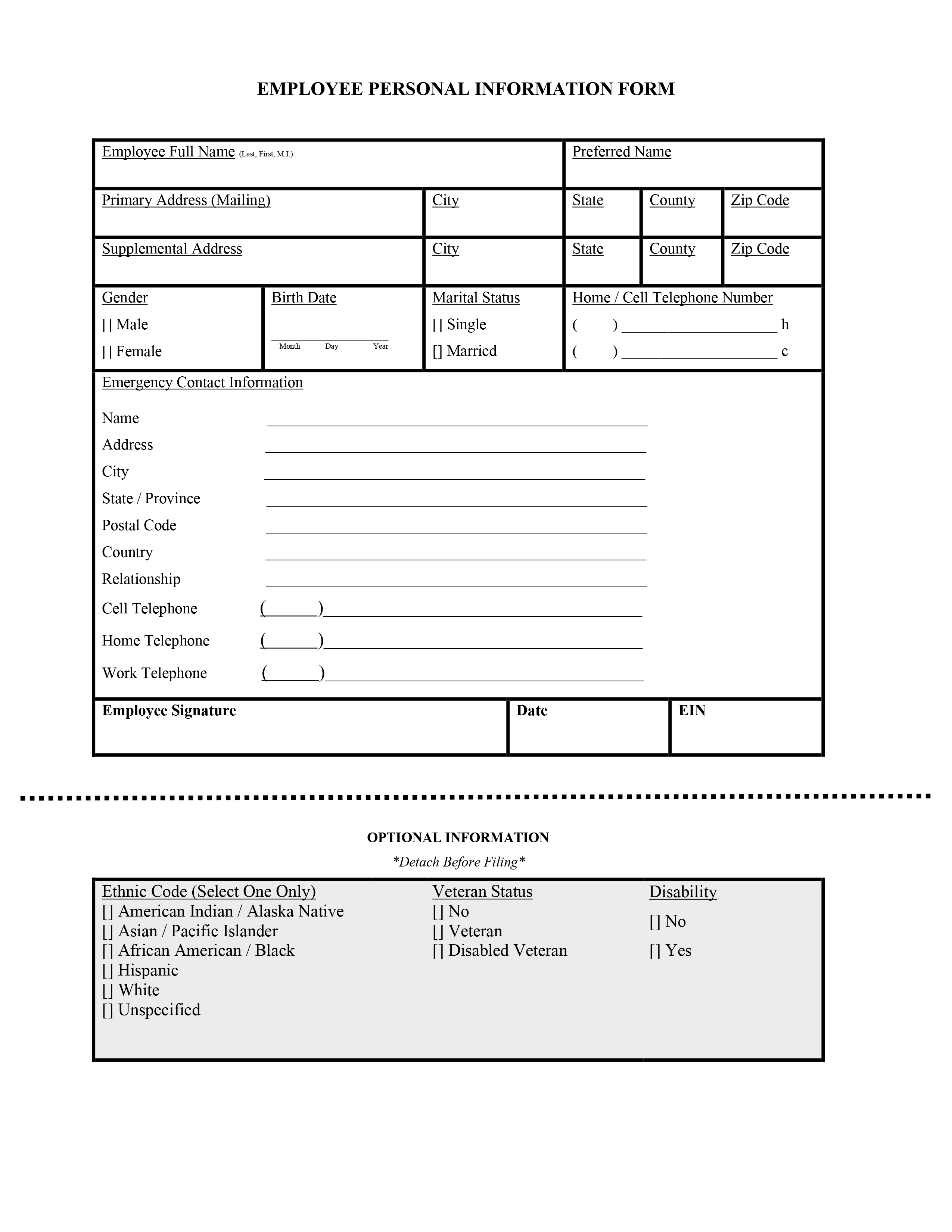
Employee Personal Information Form
Personal Profile Form
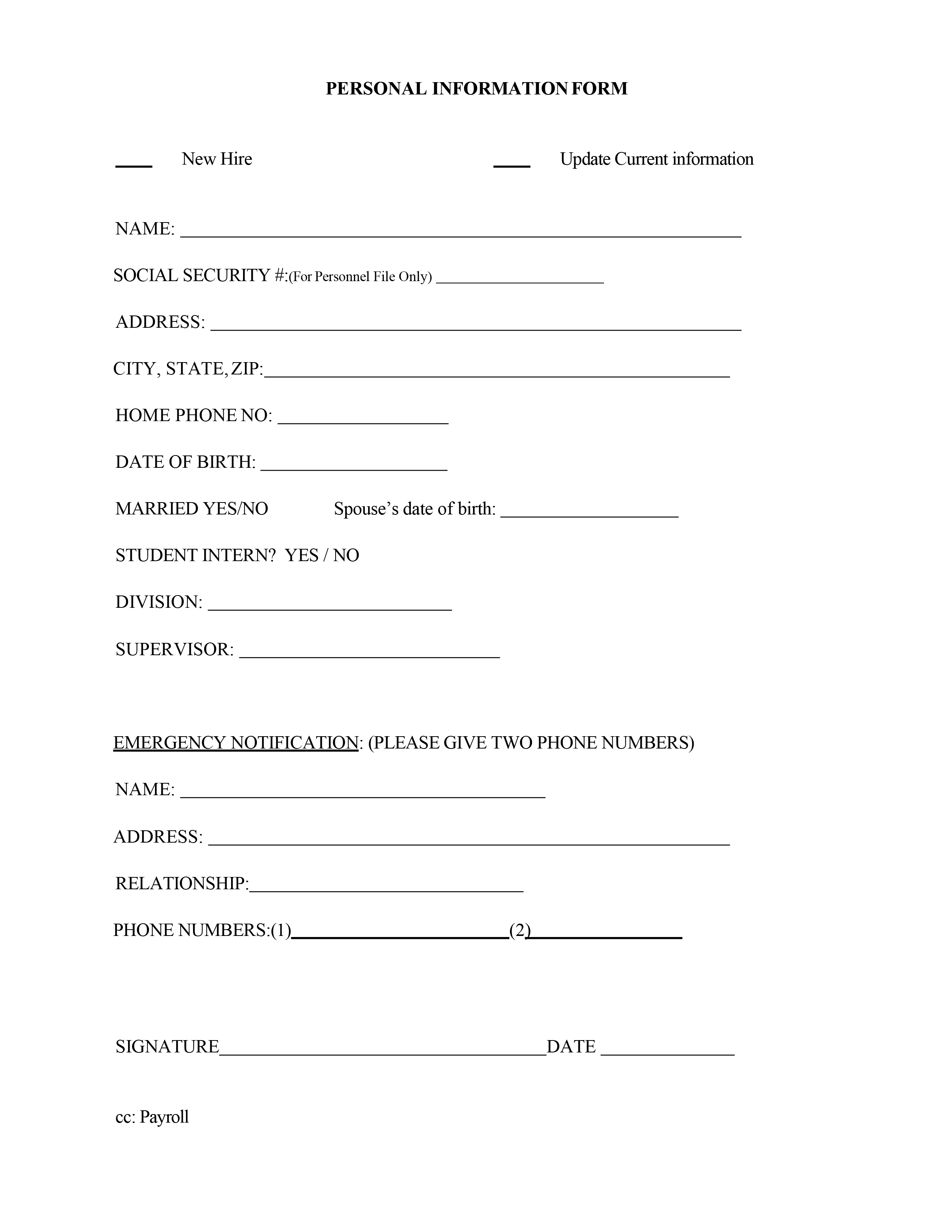
Staff Details Template
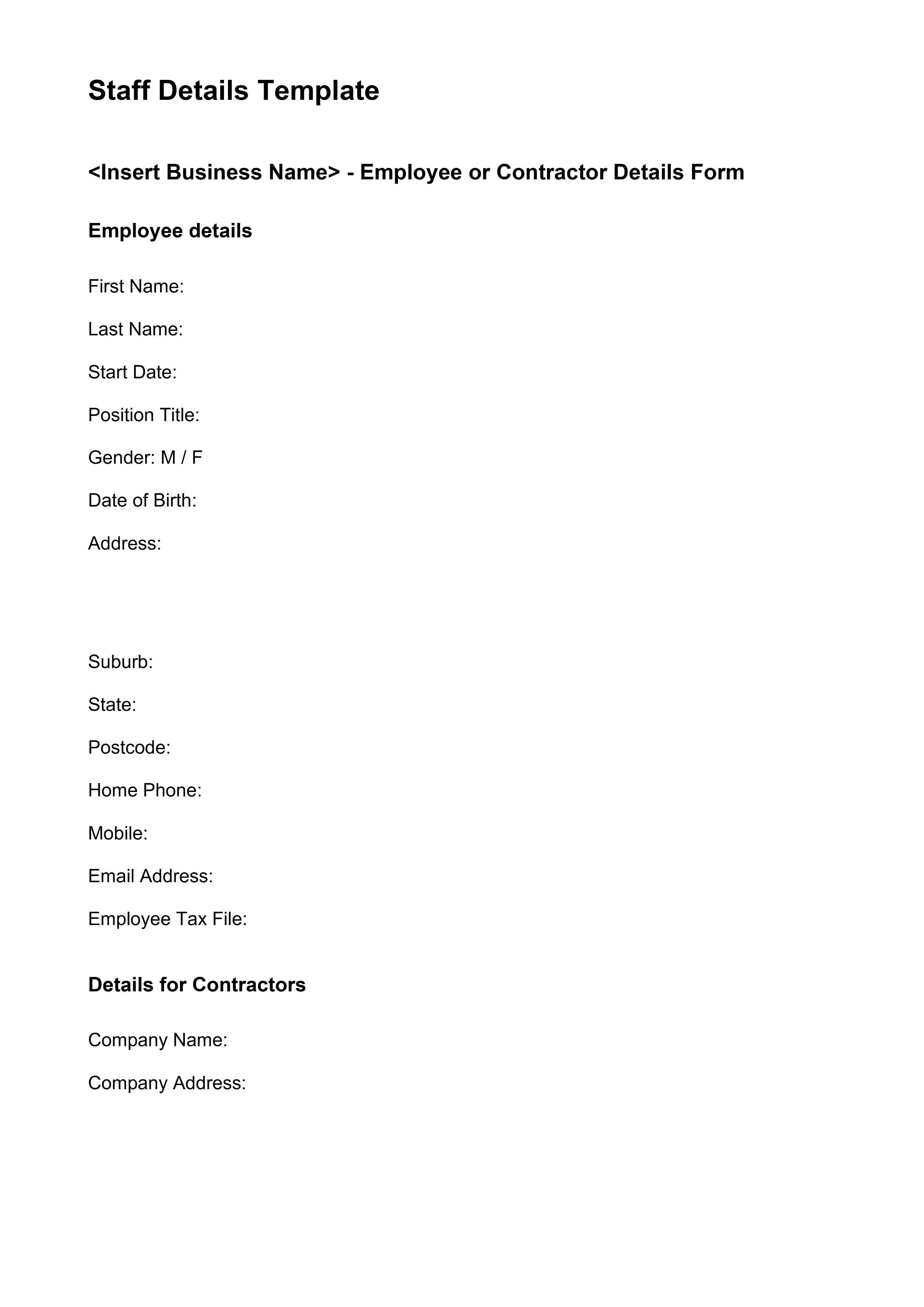
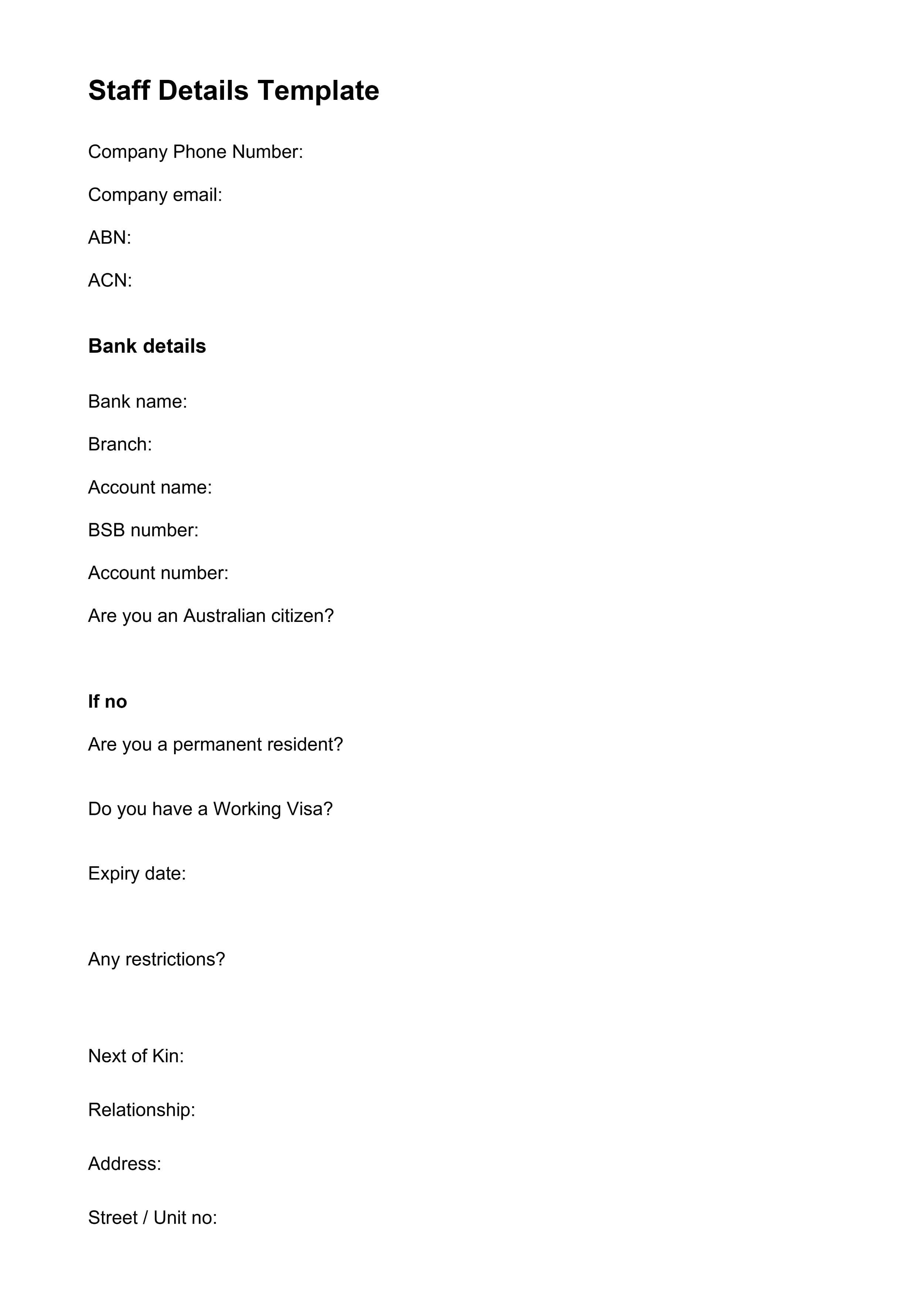
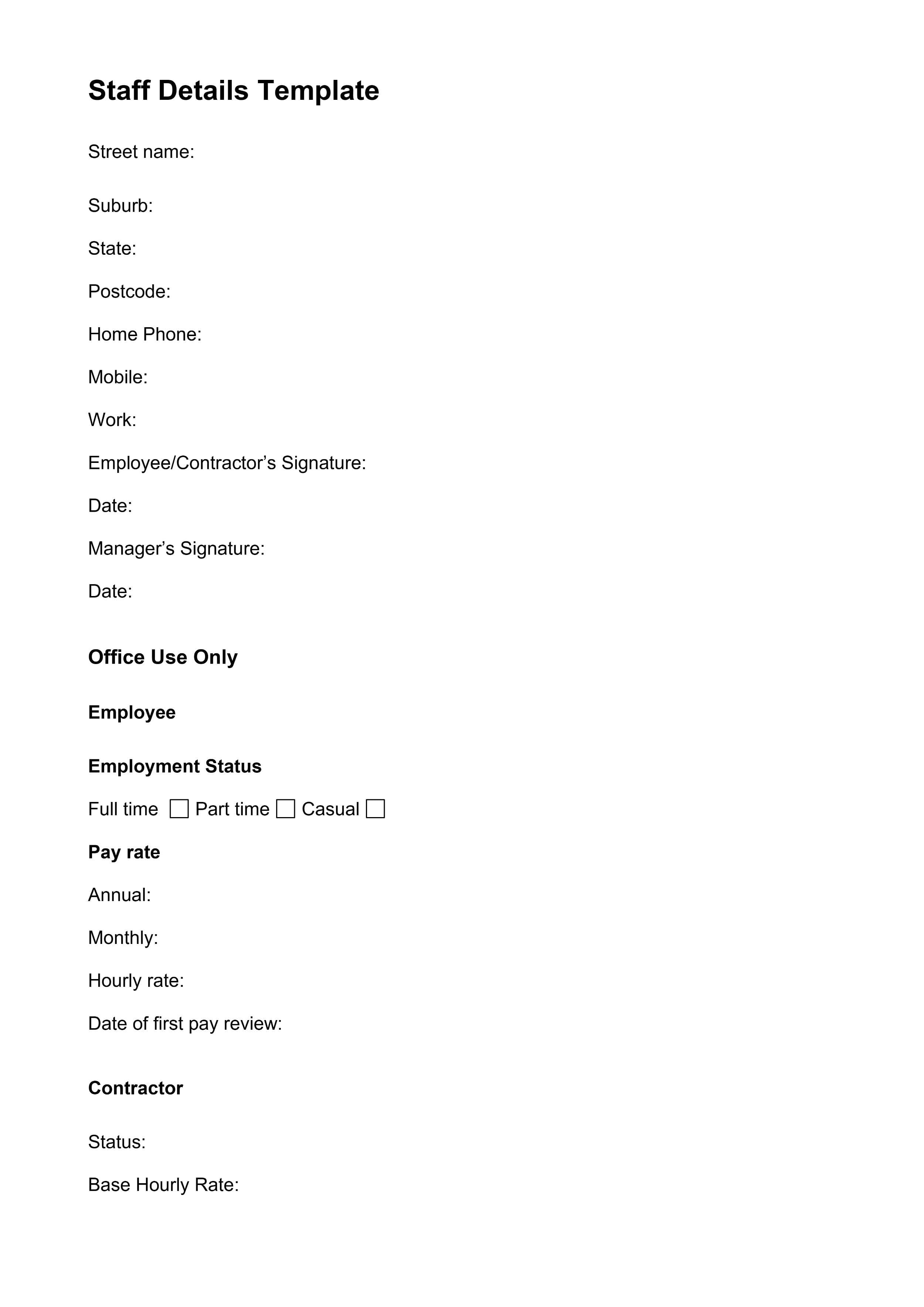

Employee Information Form 01
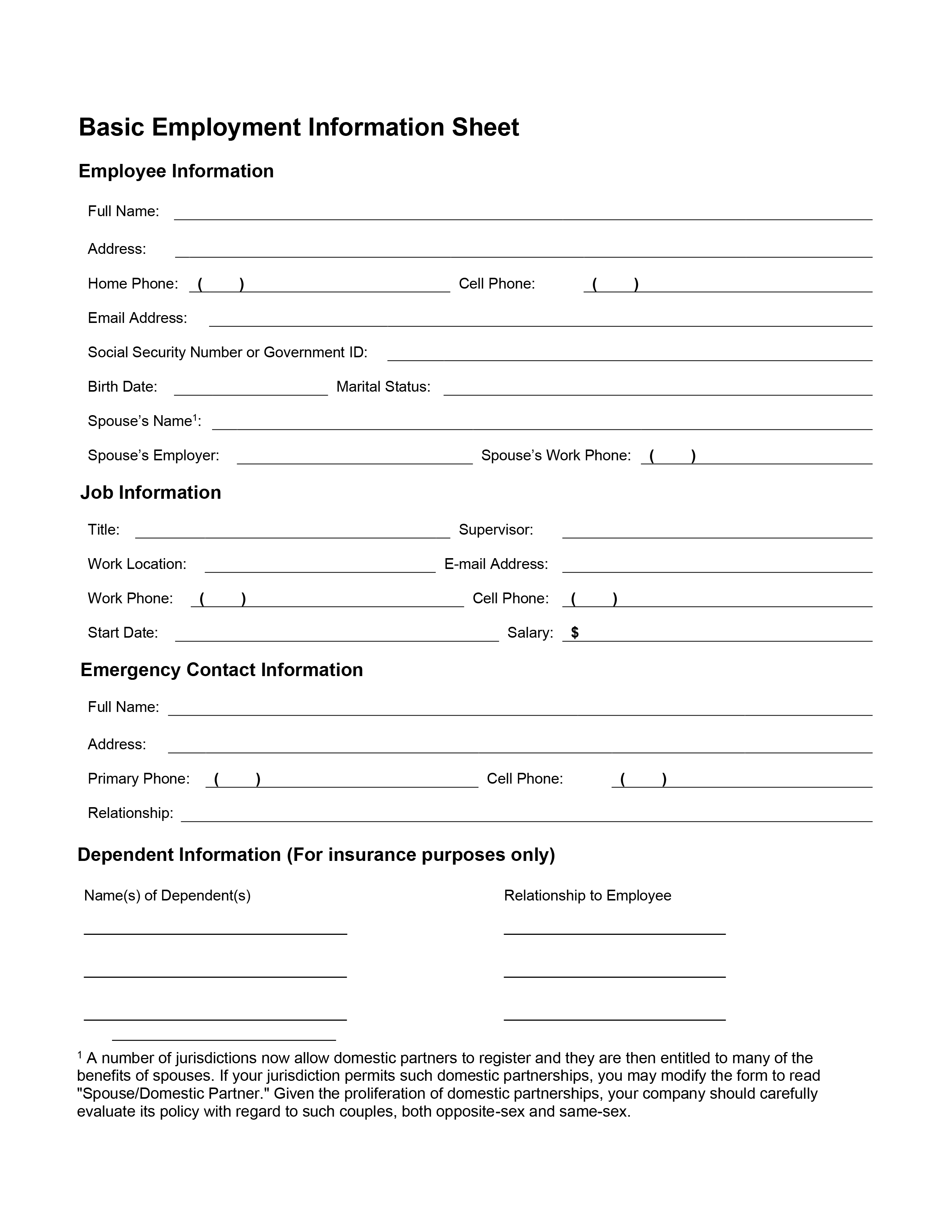
Employee Information Form 02
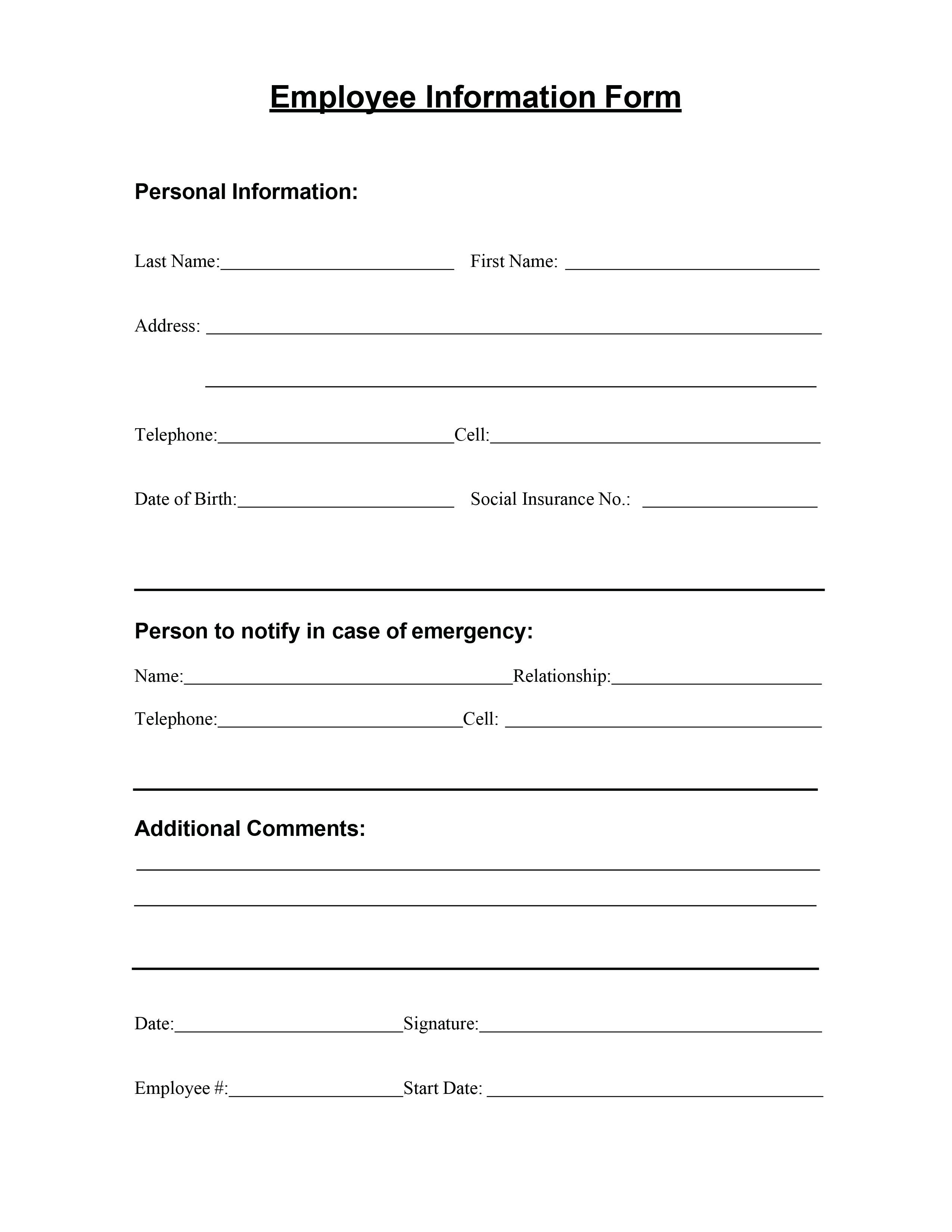
Employee Information Form 03
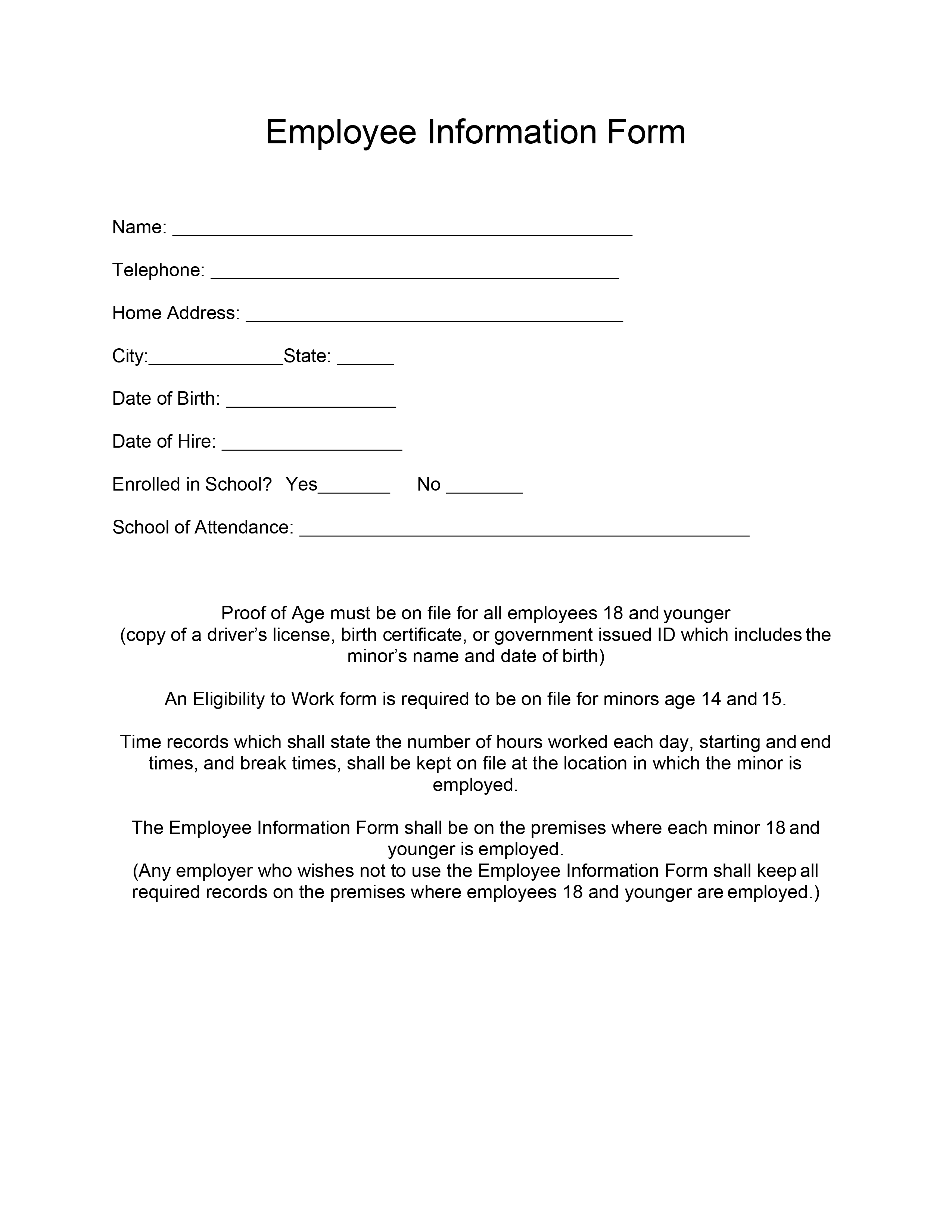
Employee Information Form 04
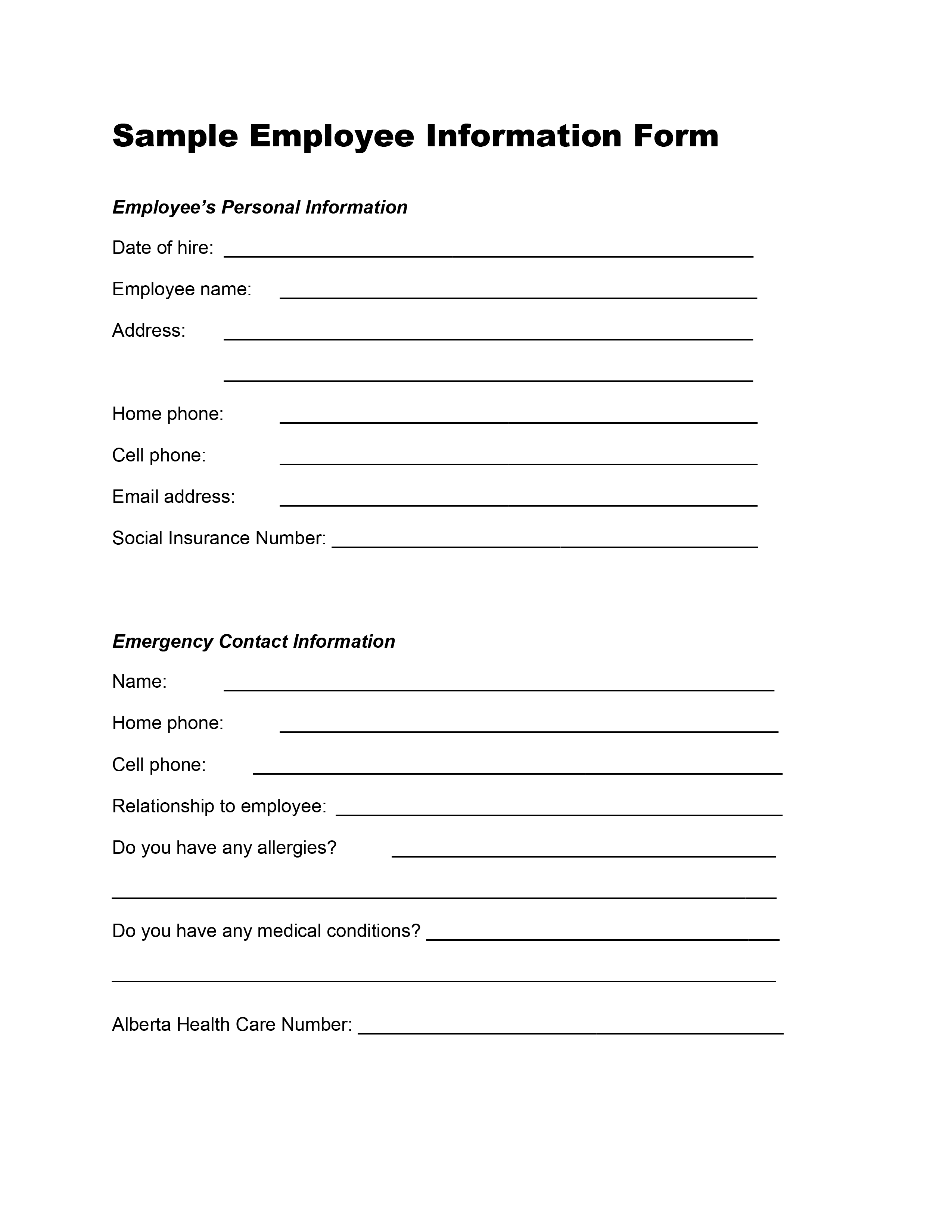
Employee Information Form 05
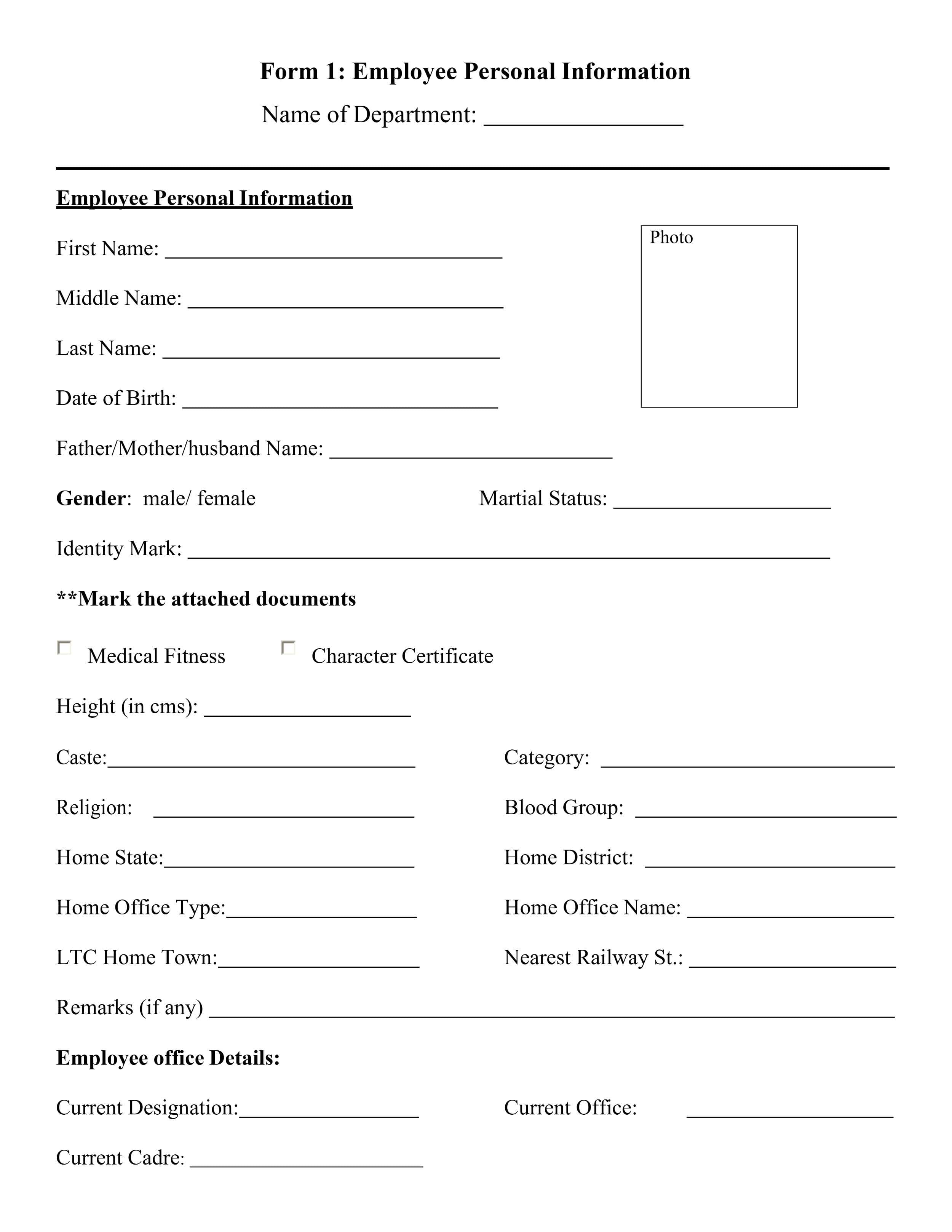
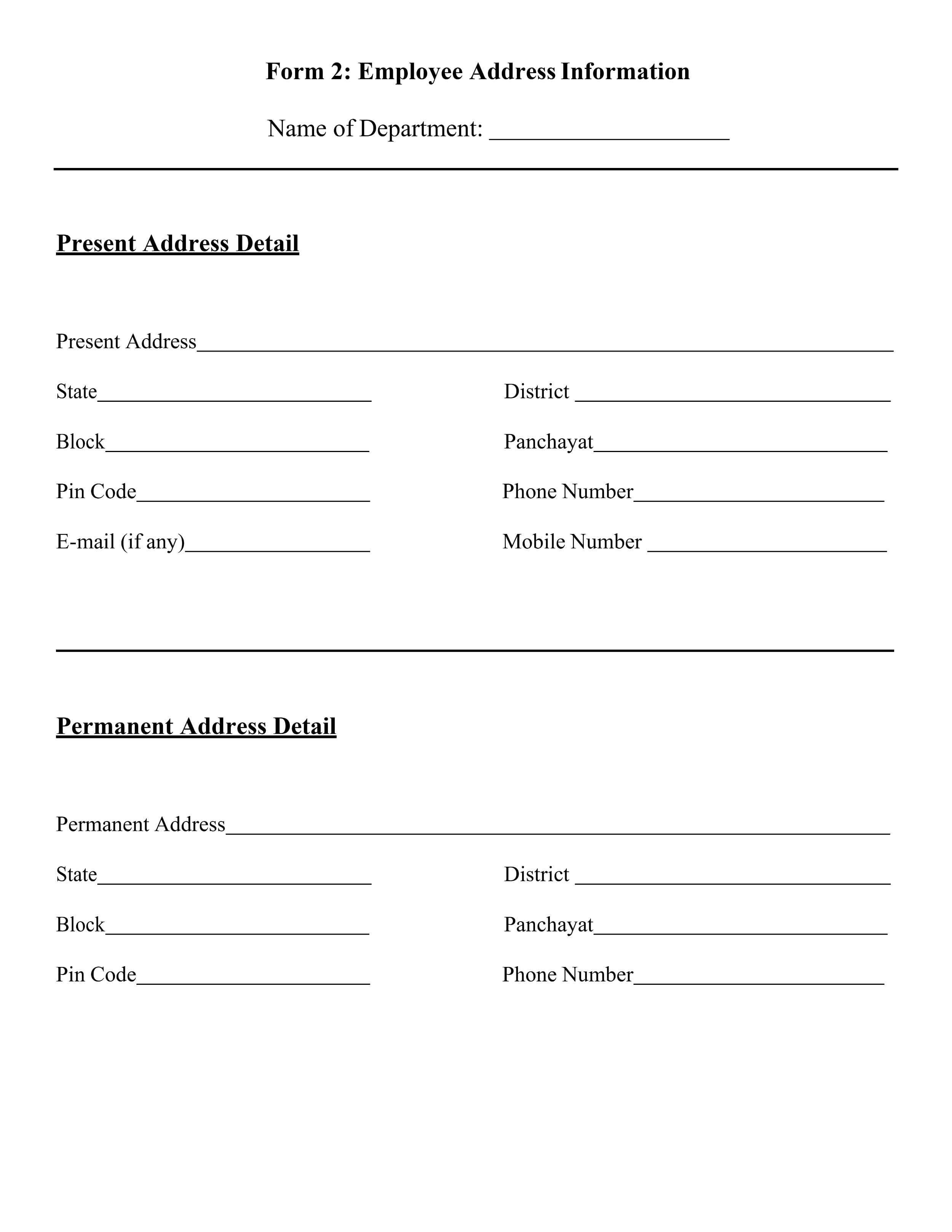
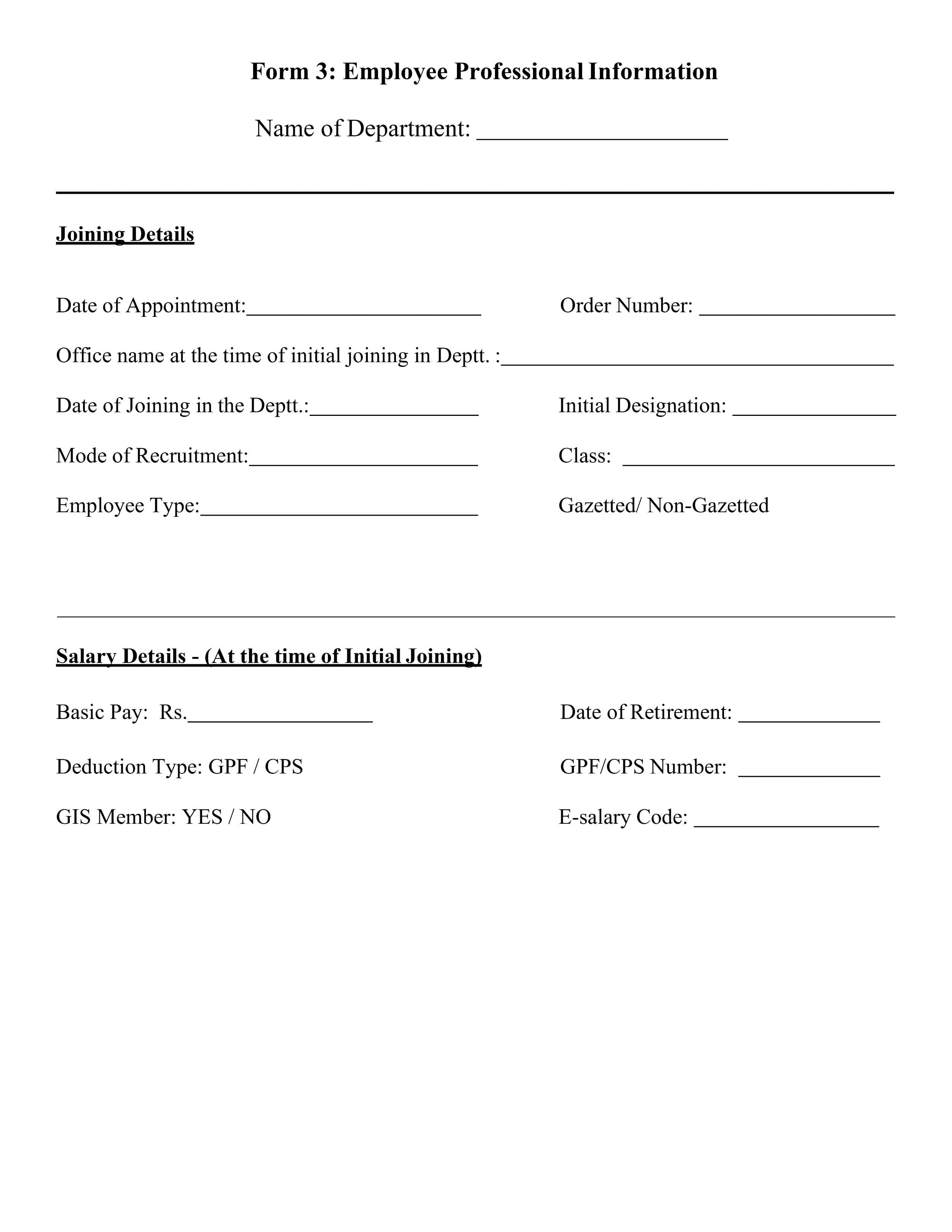
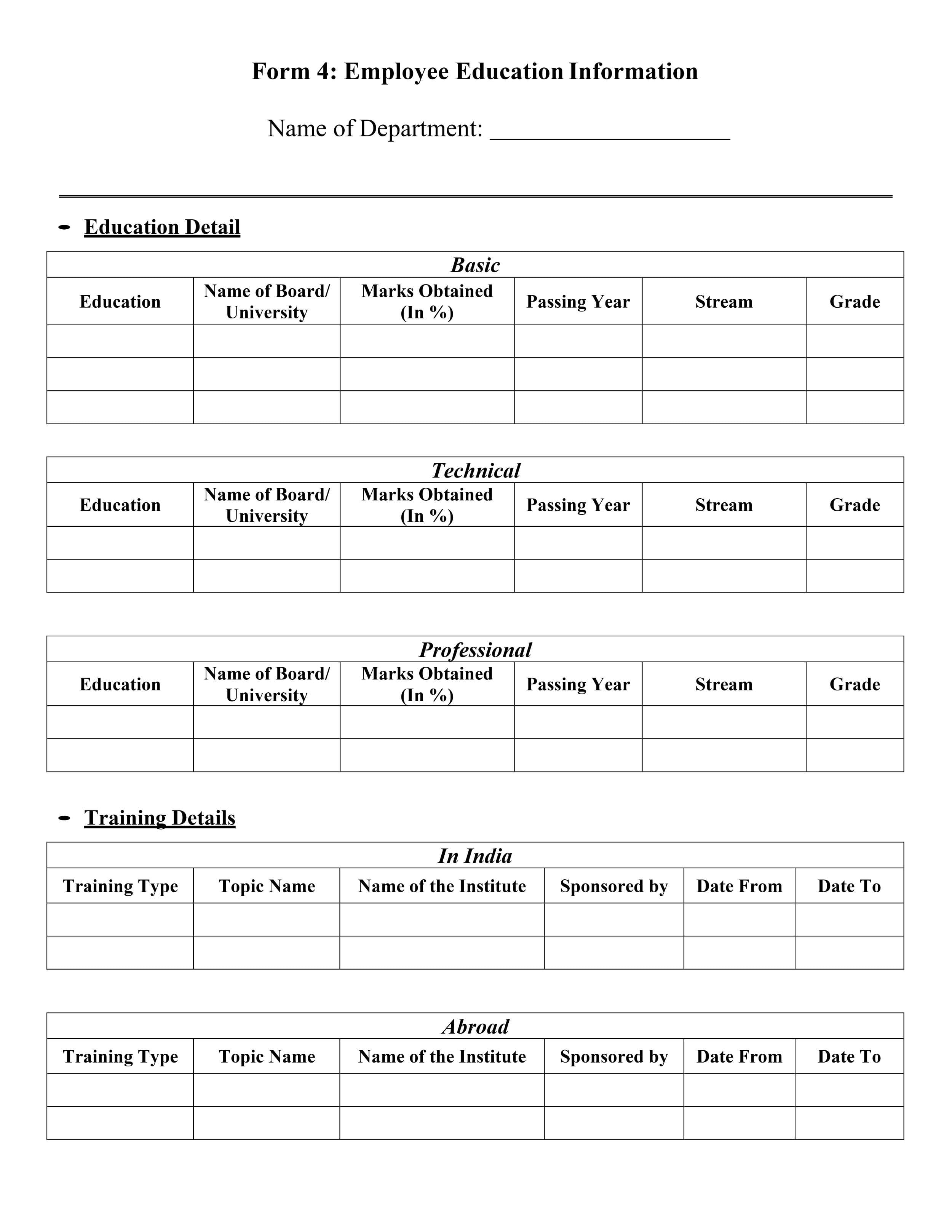


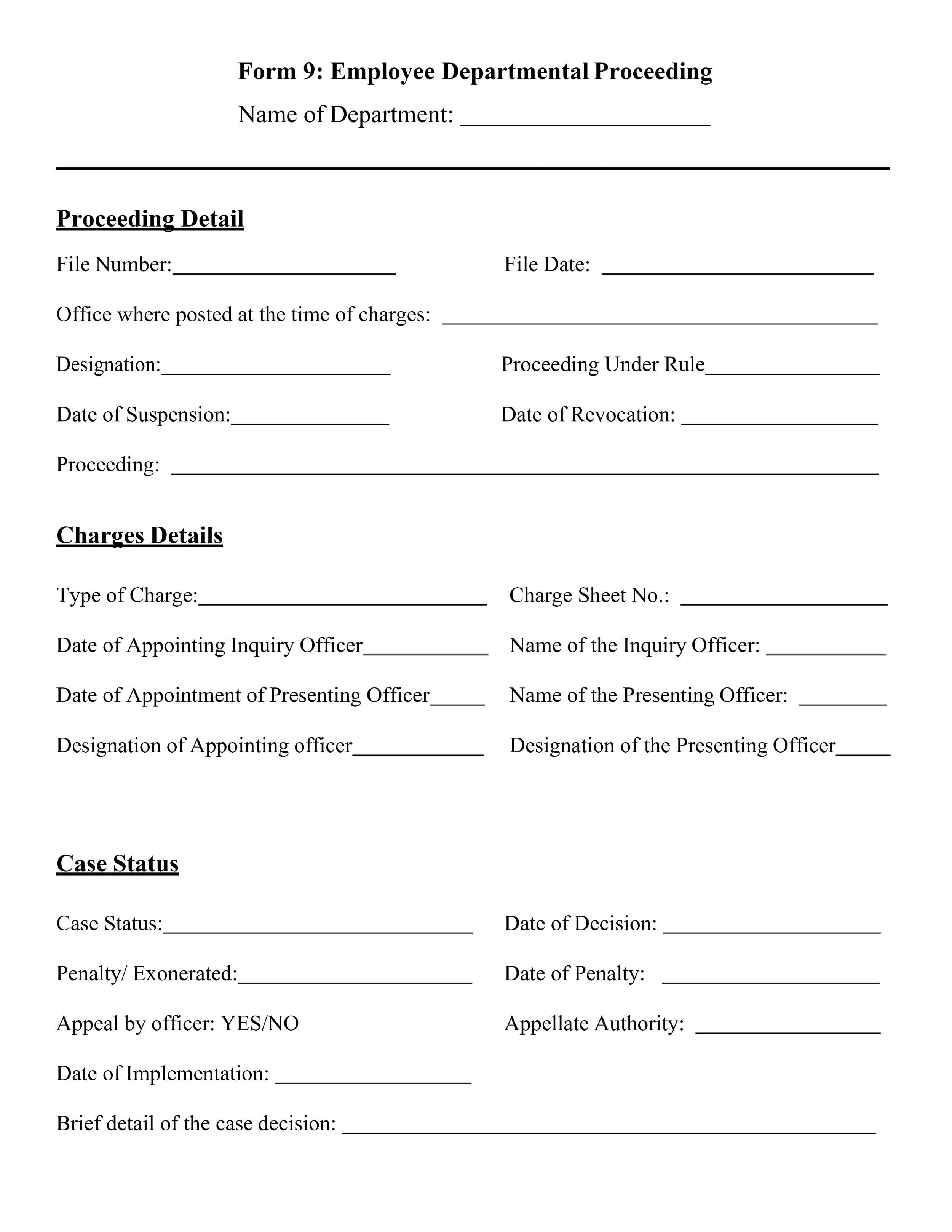


Employee Information Form 06
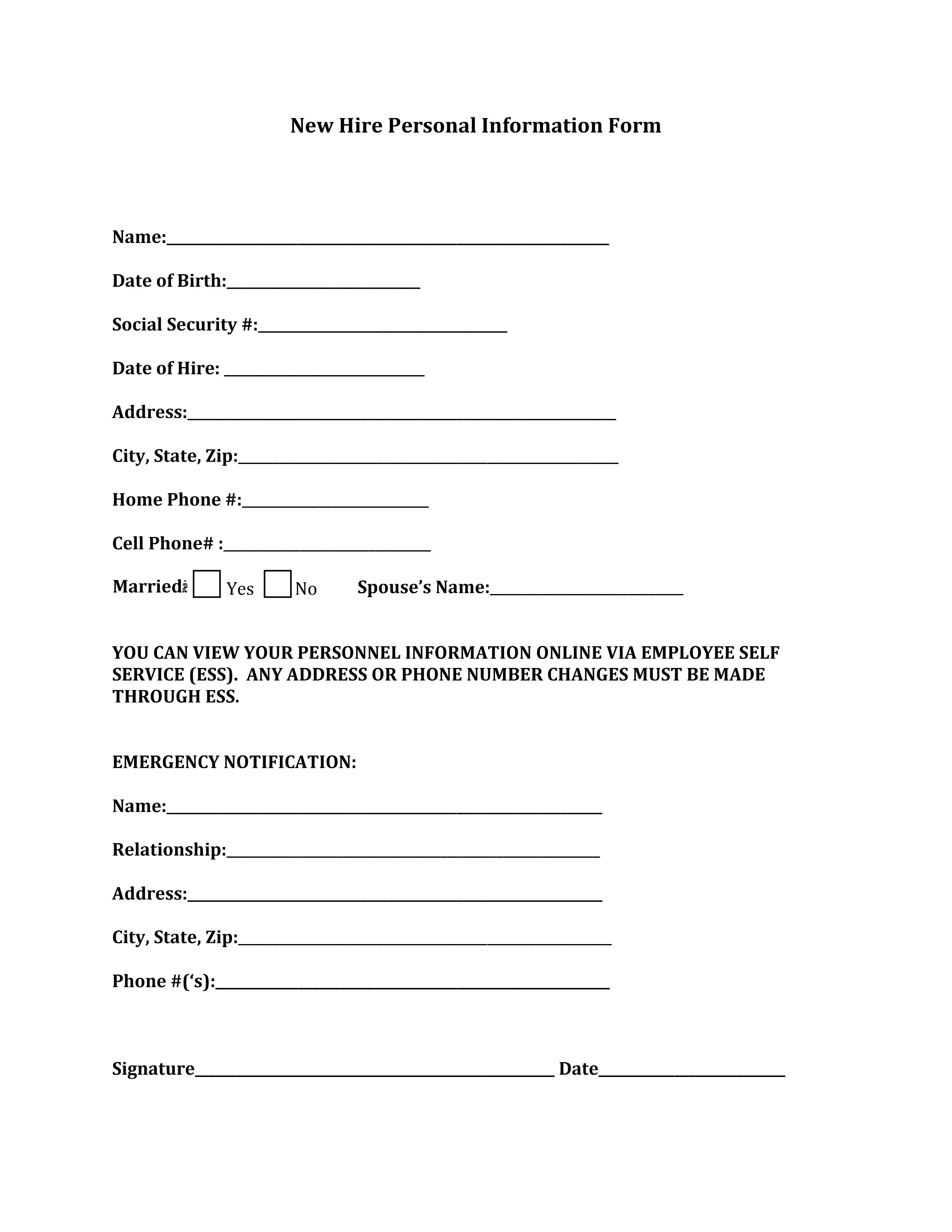
Employee Information Form 07
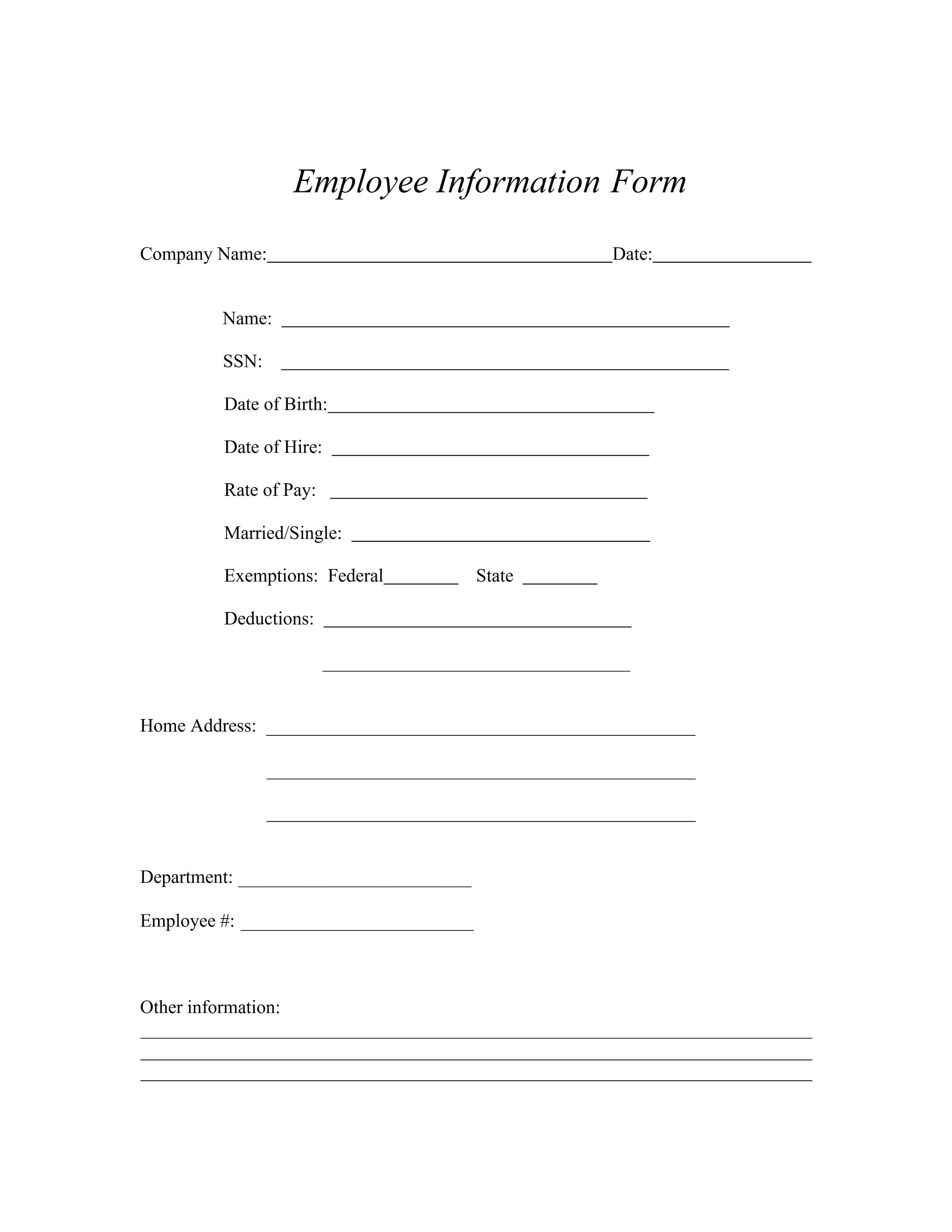
Employee Information Form 08
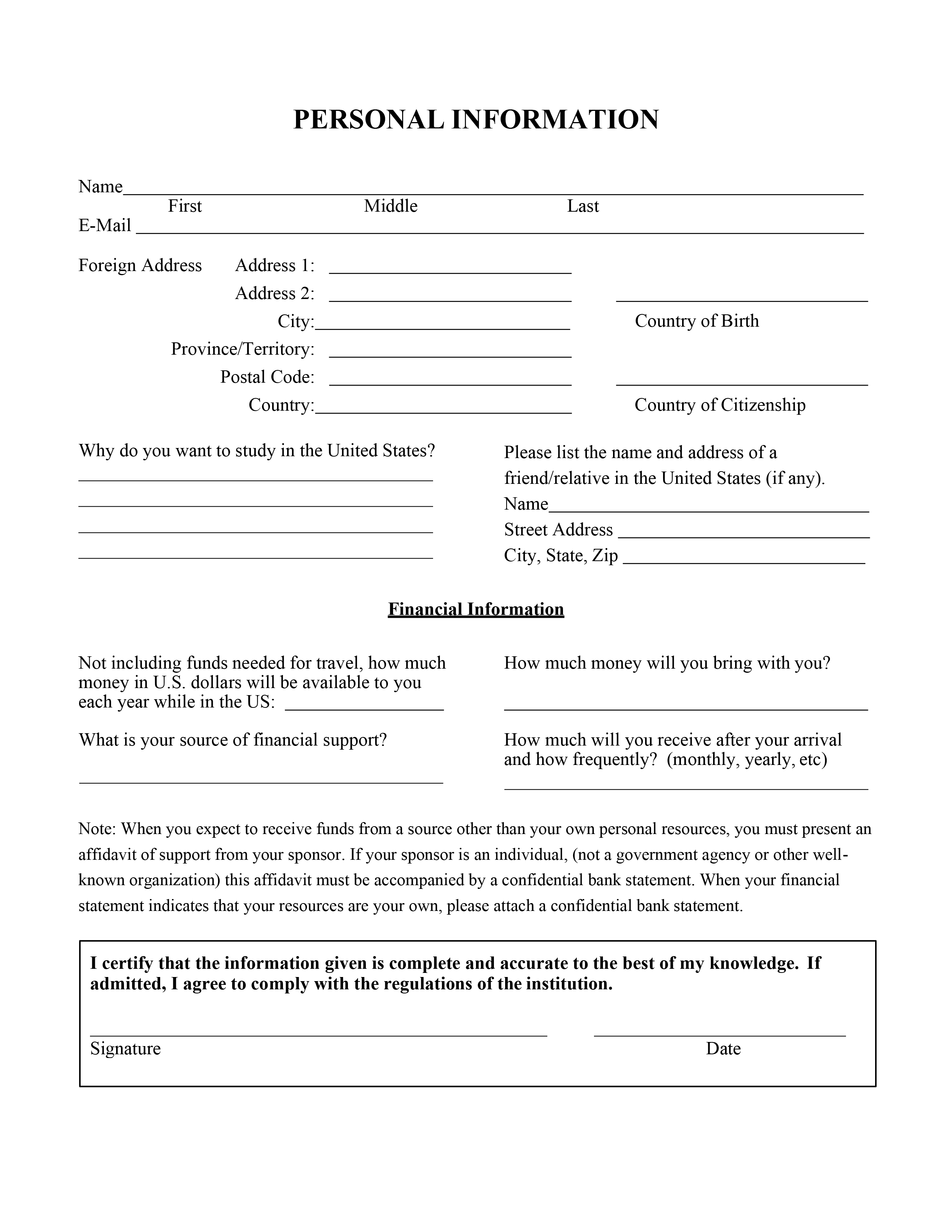
Employee Information Form 09
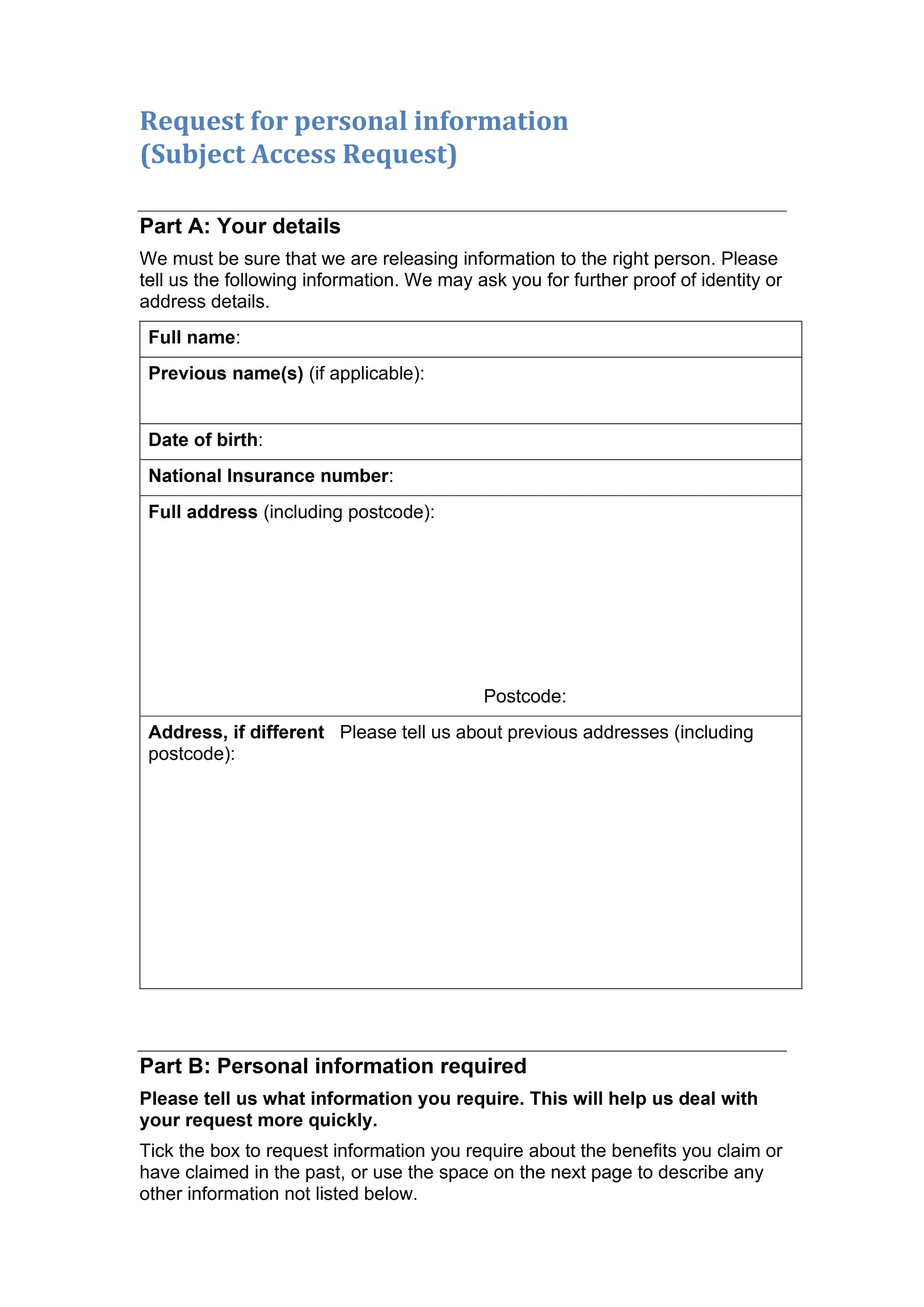
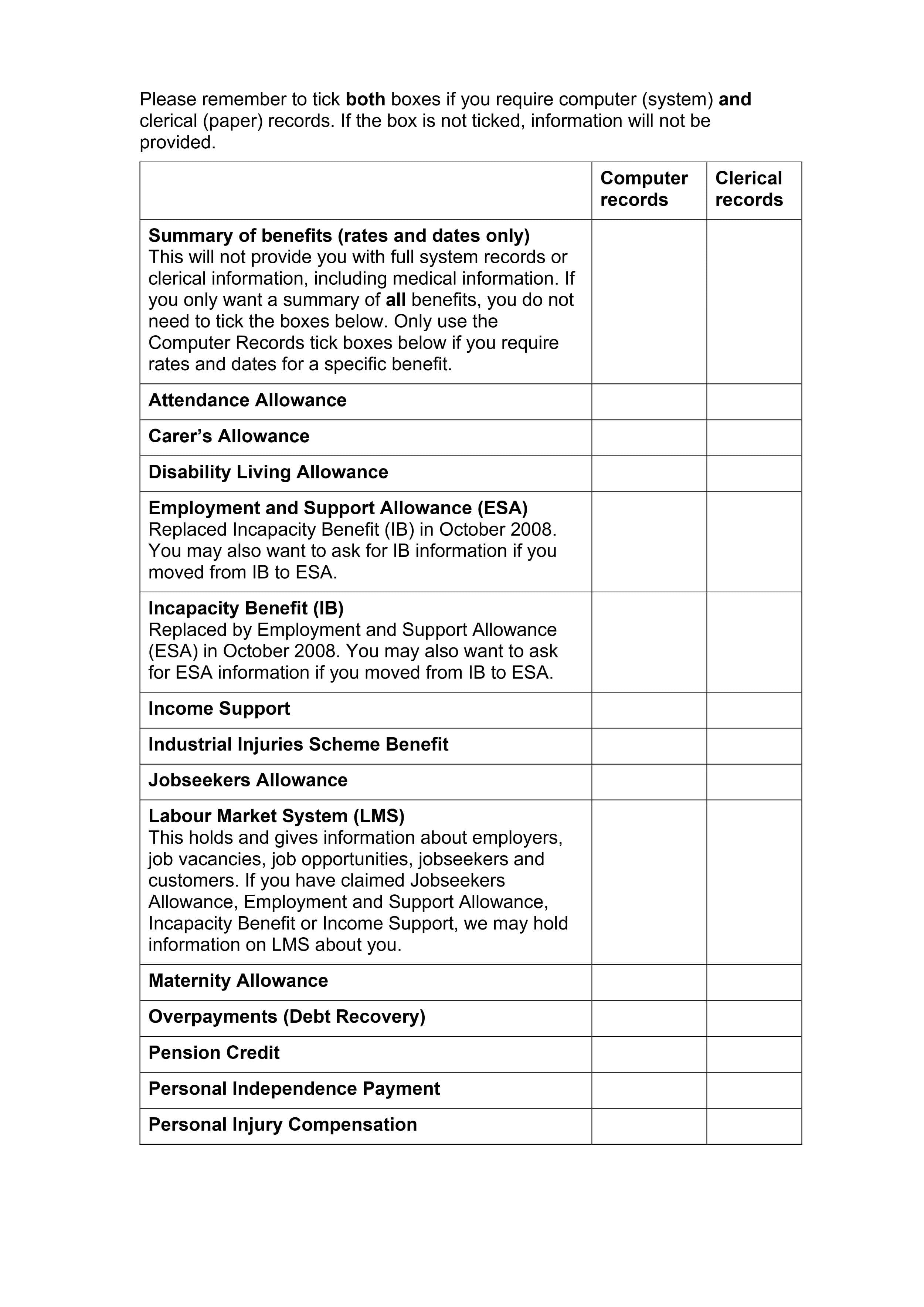
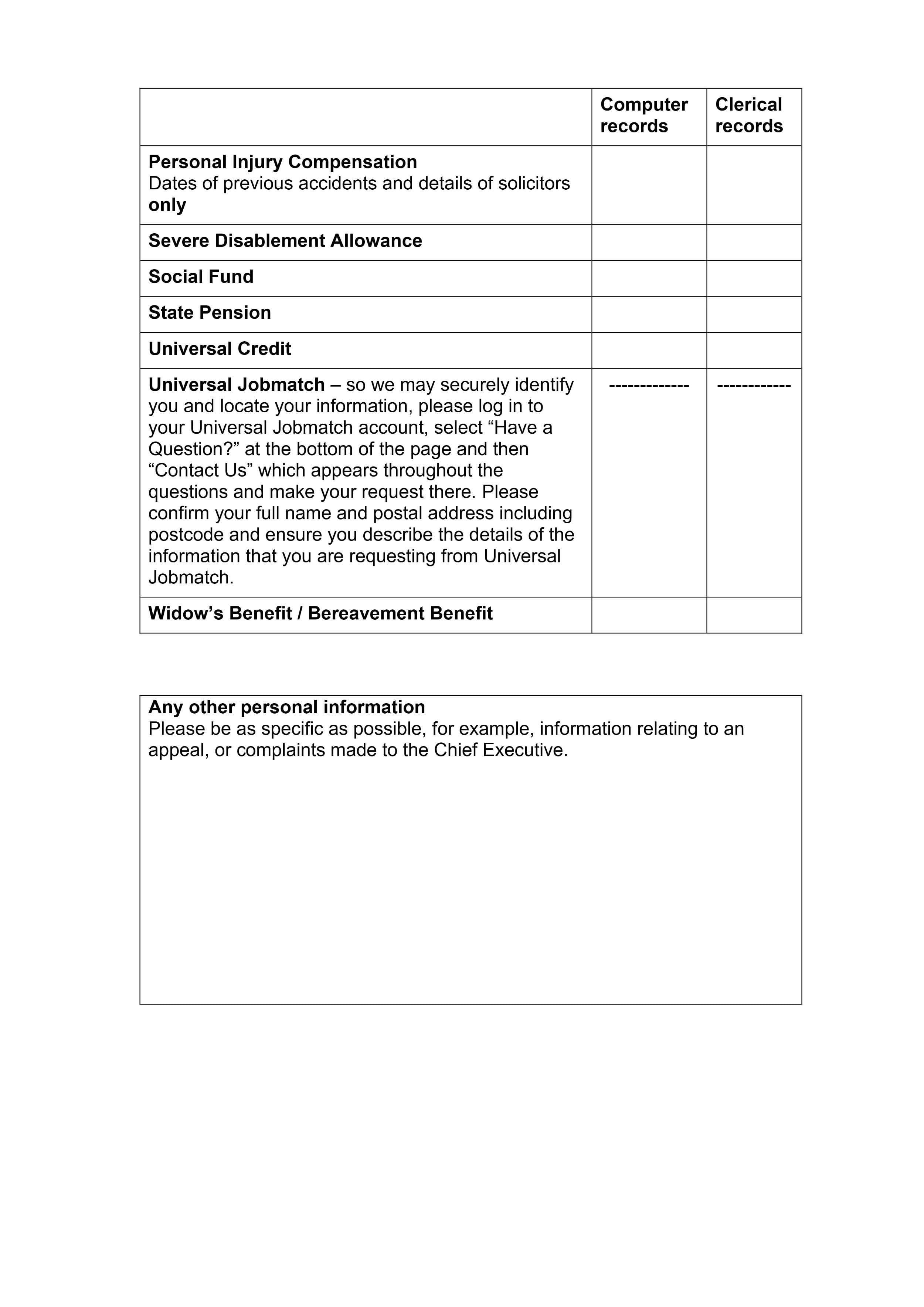
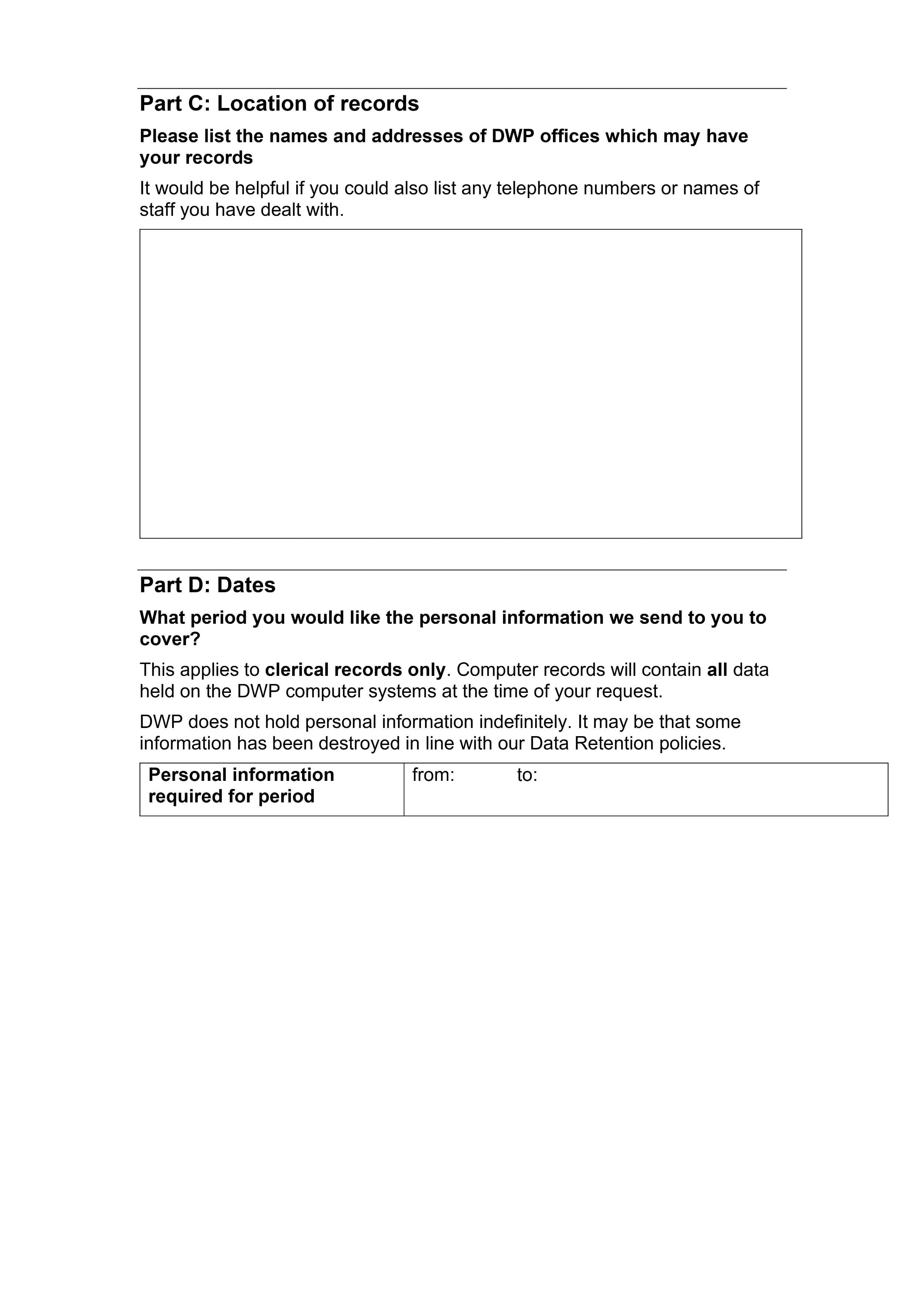
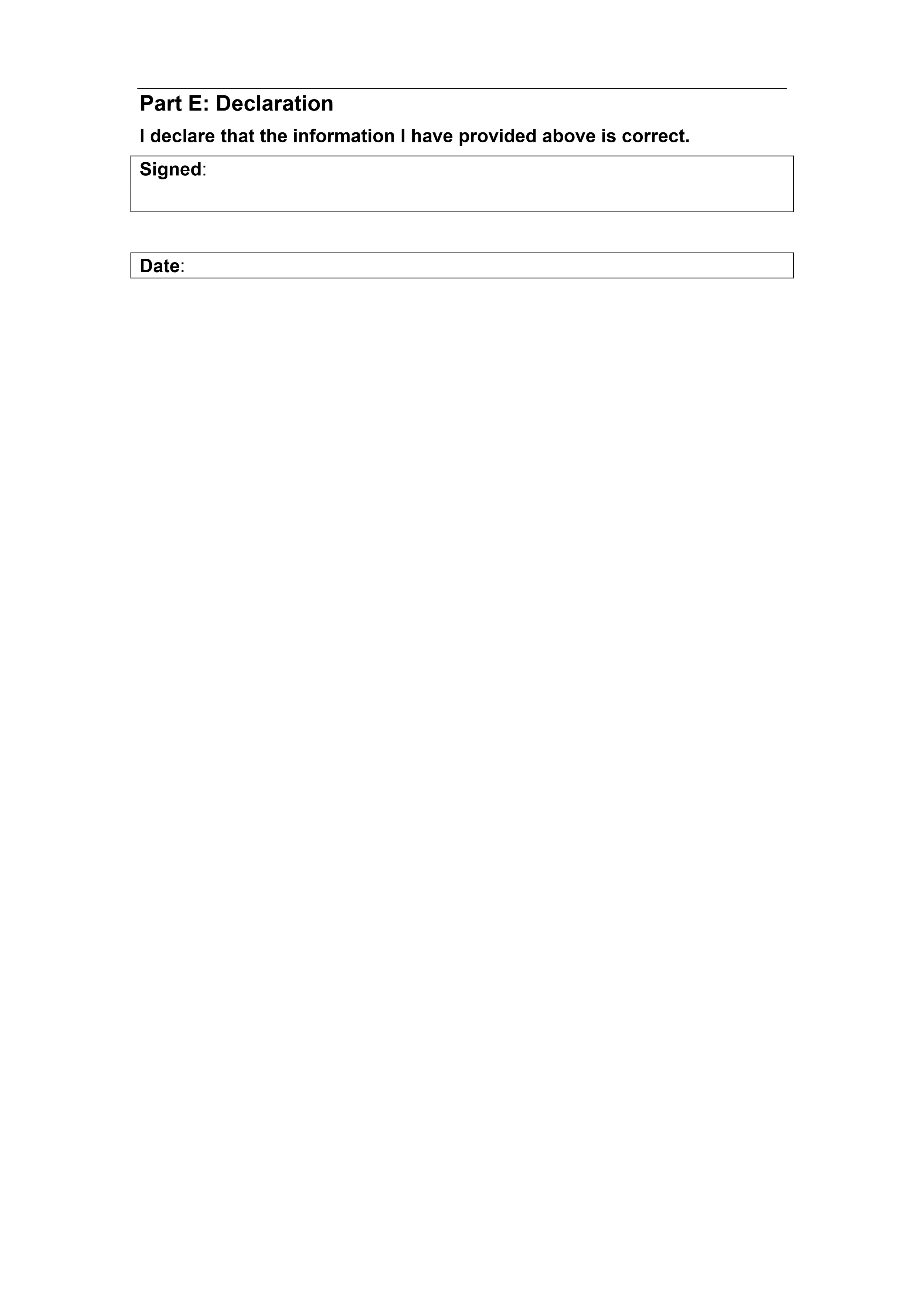
Employee Information Form 10
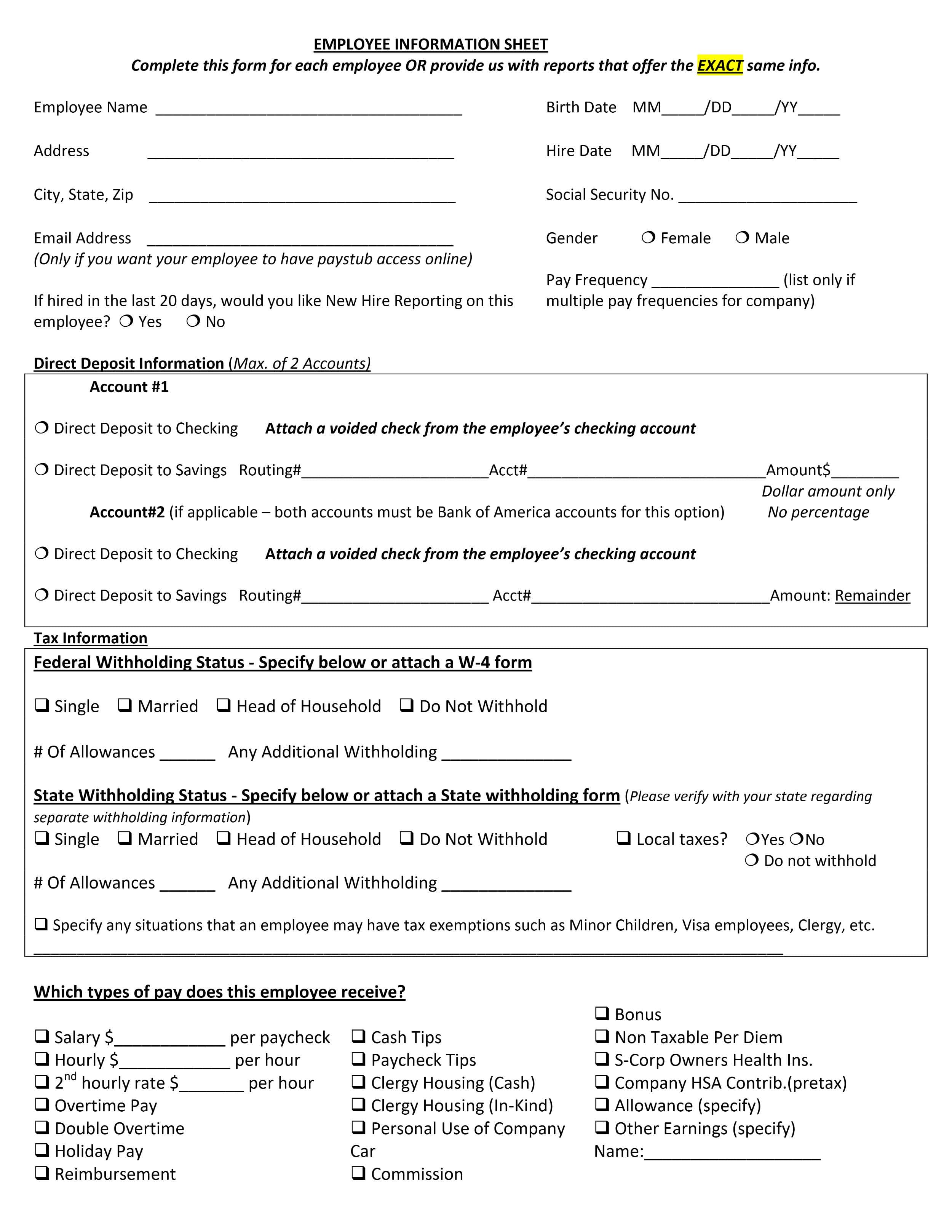
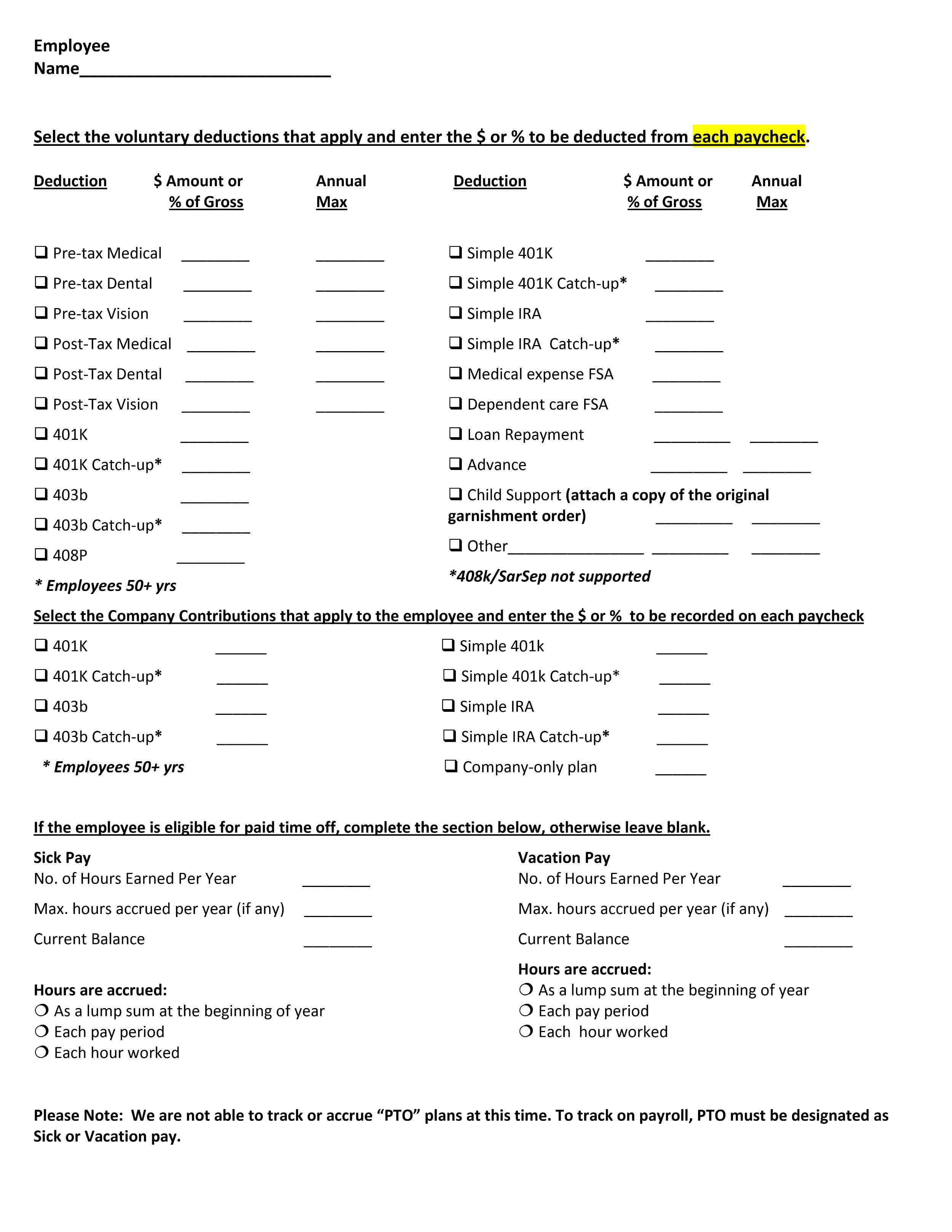
Employee Information Form 11
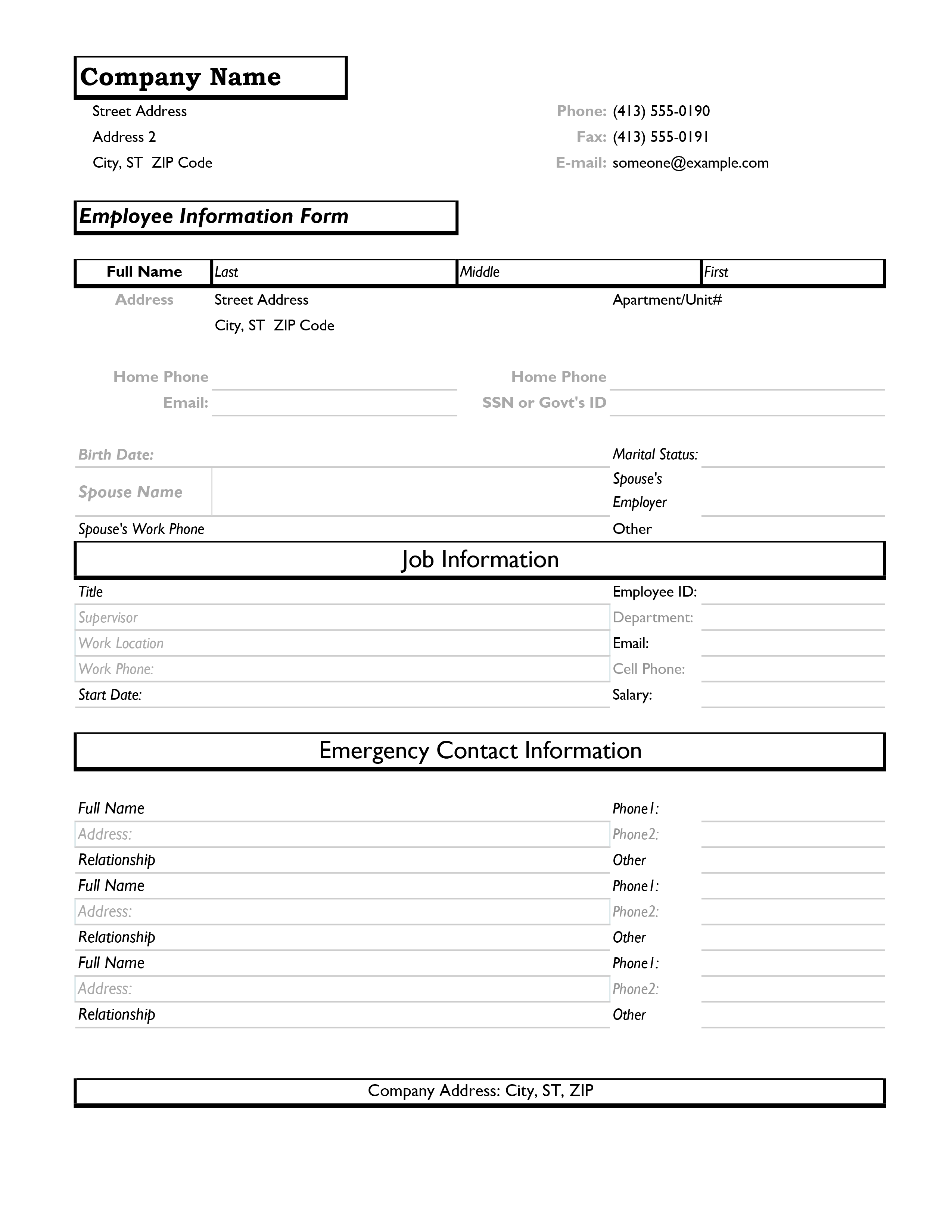
Employee Information Form 12

Employee Information Form 13

Employee Information Form 14

Employee Information Form 15


Why is an Employee Information Form Important?
Employee Information Forms are important whenever an authorized person, like a manager, needs basic data about an employee, like their address. Here are the primary benefits of these integral documents:
- Data Centralization: Employee Information Forms consolidate essential employee details into a single, easily accessible document. This helps streamline HR processes.
- Legal Compliance: They help ensure organizations comply with employment laws and regulations. By collecting required information, like tax data and emergency contact details, companies ensure their ability to meet the changing labor standards over time.
- Efficient Onboarding: During the hiring process, these forms aid in collecting all necessary information from new hires. They make onboarding smoother and more organized.
- Emergency Contact Information: In cases of accidents or unforeseen events, readily available, accurate emergency contact information is critical for ensuring employee safety.
- Payroll Processing: Current employee data is essential for calculating salaries, taxes, and benefits. These are crucial for timely and accurate payroll processing.
- Benefit Administration: Information forms help HR manage employee benefits, like health insurance and retirement plans. This makes certain that employees receive their entitled benefits.
- Performance Evaluation: HR departments use the data on an Employee Information Form to track employee performance, monitor progress, and administer performance evaluations.
- Employee Relations: Access to accurate employee information supports HR in resolving workplace issues and conflicts efficiently.
- Data Security: Employee Information Forms emphasize the importance of safeguarding employee data. Ensuring that sensitive information is kept confidential and secure is vital to business administration.
Important Fact: An often overlooked aspect of employee information forms is their role in disaster preparedness. Accurate and up-to-date contact information, including emergency contacts, can be lifesaving during unforeseen events. Emergency contacts, home addresses, and other details in an Employee Information Form can help a business keep their employees safe or at least make sure the right people are informed if something unfortunate happens.
How to Create an Employee Information Form from a Template
Creating an effective Employee Information Form is essential for HR departments. Here’s a step-by-step guide to help you utilize your template more effectively and easily:
- Select a Template: Choose a professionally designed Employee Information Form template that suits your organization’s needs. Our templates are highly customizable, thoroughly researched, and available in multiple formats like Docs and Word for accessibility and compatibility with nearly any device and program.
- Customize Headers: Make the form unique by adding your company’s logo, name, and relevant contact information at the top. If necessary or desirable, you can also change the color scheme and fonts to match the company style guide.
- Basic Information: Start with sections for basic employee information. Employees fill this out with their full name, employee ID, position, and department.
- Contact Details: The sections for contact information include phone numbers, email addresses, and home addresses. These are often required for labor-law-related purposes so employers can issue final paychecks in a timely manner.
- Emergency Contacts: The section for emergency contacts should have at least two people, preferably one local and one further away. Employees list their names, relationships, and contact numbers in the fields you provide.
- Employment Details: Here, you input data on employment status, hire date, work schedule, and job responsibilities.
- Tax Information: Include sections for tax-related details, including W-4 forms for withholding allowances.
- Benefits and Compensation: Salary details, benefits enrollment, and retirement plan contributions should also be recorded here.
- Performance Records: Allocate space for performance evaluations, feedback, and employee goals.
- Acknowledgment and Signature: At the bottom is a space for employees to sign and acknowledge the accuracy of the provided information.
- Data Security: Ensure that the form addresses data security and confidentiality.
Pro Tip: When designing a digital employee information form, consider incorporating user-friendly features such as dropdown menus and checkboxes. Give clear instructions on how to fill out each section and how to submit the document. Doing this enhances the form’s accessibility and minimizes errors during data entry.
What to Avoid When Writing an Employee Information Form
There are many common errors people encounter when crafting an Employee Information Form. Here’s what to avoid:
- Overcomplication: To prevent employee confusion, keep the form straightforward and easy to fill out.
- Incomplete Sections: Ensure that all essential sections are included. Leave no crucial information gaps.
- Unclear Language: Use clear, concise language so everyone will understand what they are reading. Avoid jargon or technical terms that employees may not understand.
- Inadequate Data Protection: Neglecting data security measures can lead to privacy breaches. Implement robust data protection protocols.
- Noncompliance: Stay updated on employment laws and regulations. This will help to ensure the form complies with legal requirements.
- Inconsistencies: Maintain consistency in formatting and labeling to enhance readability. A messy form is harder to read and takes longer to process.
- Excessive Detail: While you must be comprehensive, avoid overwhelming employees with too much information. Leave space for visual breaks and remove any unnecessary sections.
Helpful Hint: To enhance data security, consider implementing electronic-form encryption protocols. Always use secure storage solutions, like locked file cabinets, for physical copies. This ensures that sensitive employee information remains confidential and protected.
FAQs
An employee information record is a comprehensive document containing all the essential details about an employee. This is a reference for HR departments and management. In emergencies, it can be used to help ensure employee safety or to reach their emergency contacts.
What information is needed for a new employee?
For a new employee, you typically need the following:
· Full name
· Contact information
· Emergency contacts
· Employment status
· Tax-related details
· Benefits preferences
· Any new-hire-specific forms like background checks.
· Provide your basic personal information.
· Add contact details like your phone number and email address.
· List emergency contacts, specifying their relationships and contact numbers.
· Fill in employment details, including your position, department, and hire date.
· Complete tax-related sections, such as withholding allowances.
· Enroll in benefits and specify your desired deductions.
Acknowledge the provided information’s accuracy, sign the form, and submit it in a timely manner
Key Points
An Employee Information Form is essential for effective HR management. This document holds crucial data essential for HR and other operations. By streamlining processes like onboarding, payroll, and benefits administration it ensures compliance with legal standards and nurtures a safer, more organized work environment. However, crafting a high-quality, useful document requires careful attention to detail and adherence to regulatory guidelines. A well-structured Employee Information Form template is versatile and adaptable. It will provide the necessary structure, recommend commonly used sections, and store the responses for easy, secure access when needed.


