Christmas gift certificates sit somewhere between a greeting card and a practical present. You still give something thoughtful and festive, but the recipient can choose the exact item, service, or experience they want. Families use them for last-minute gifting, workplaces use them for staff rewards, and small businesses use them to encourage repeat visits during the holiday season. This collection of free Christmas gift certificate templates gives you ready-designed certificates with space for the recipient, giver, amount, and terms. You can customize the wording to match your brand or family tradition, then print or share digital copies without starting from a blank page each time.
Dark Green and Red Christmas Gift Certificate Template
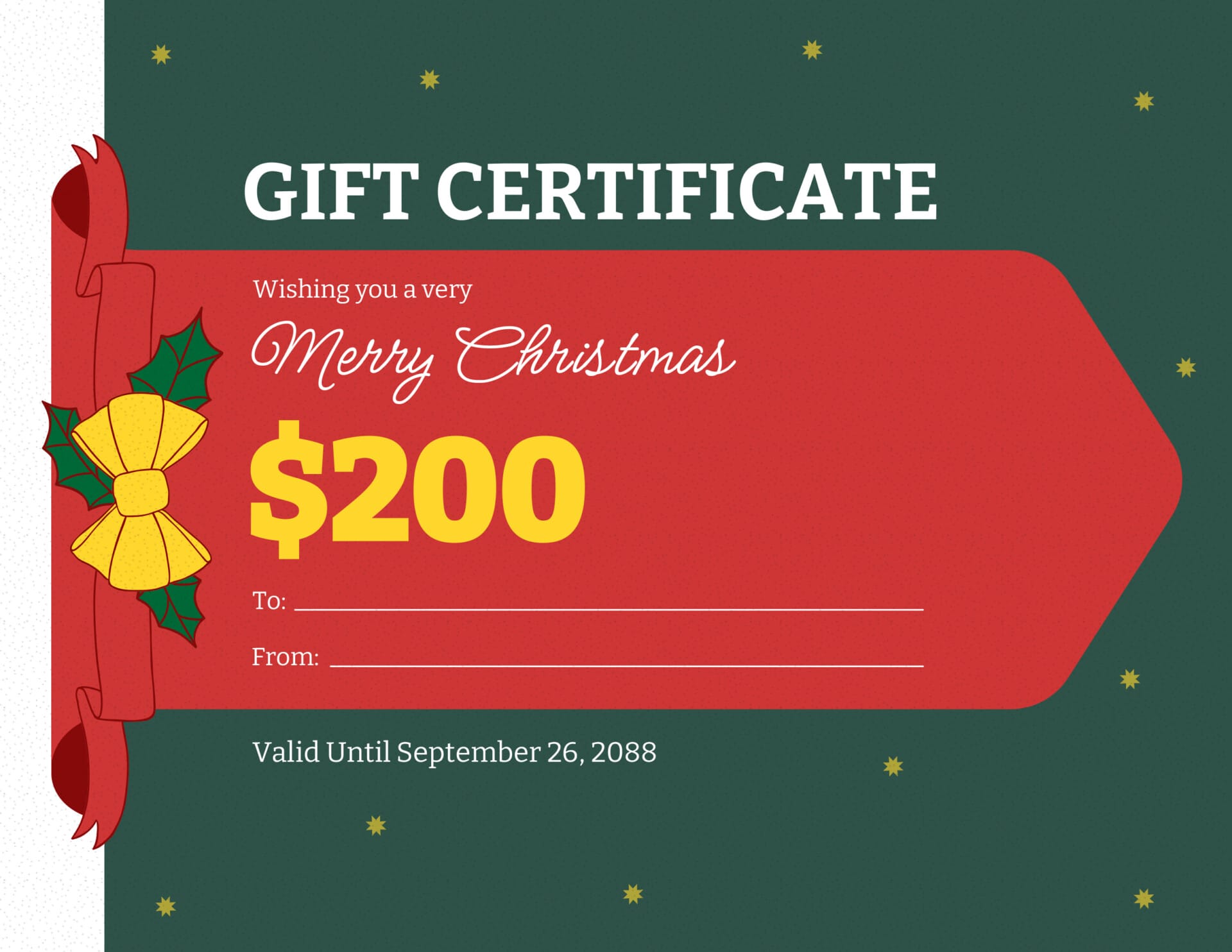
Dark Green and Red Christmas Gift Certificate Template
Skin and Red Christmas Gift Certificate Template
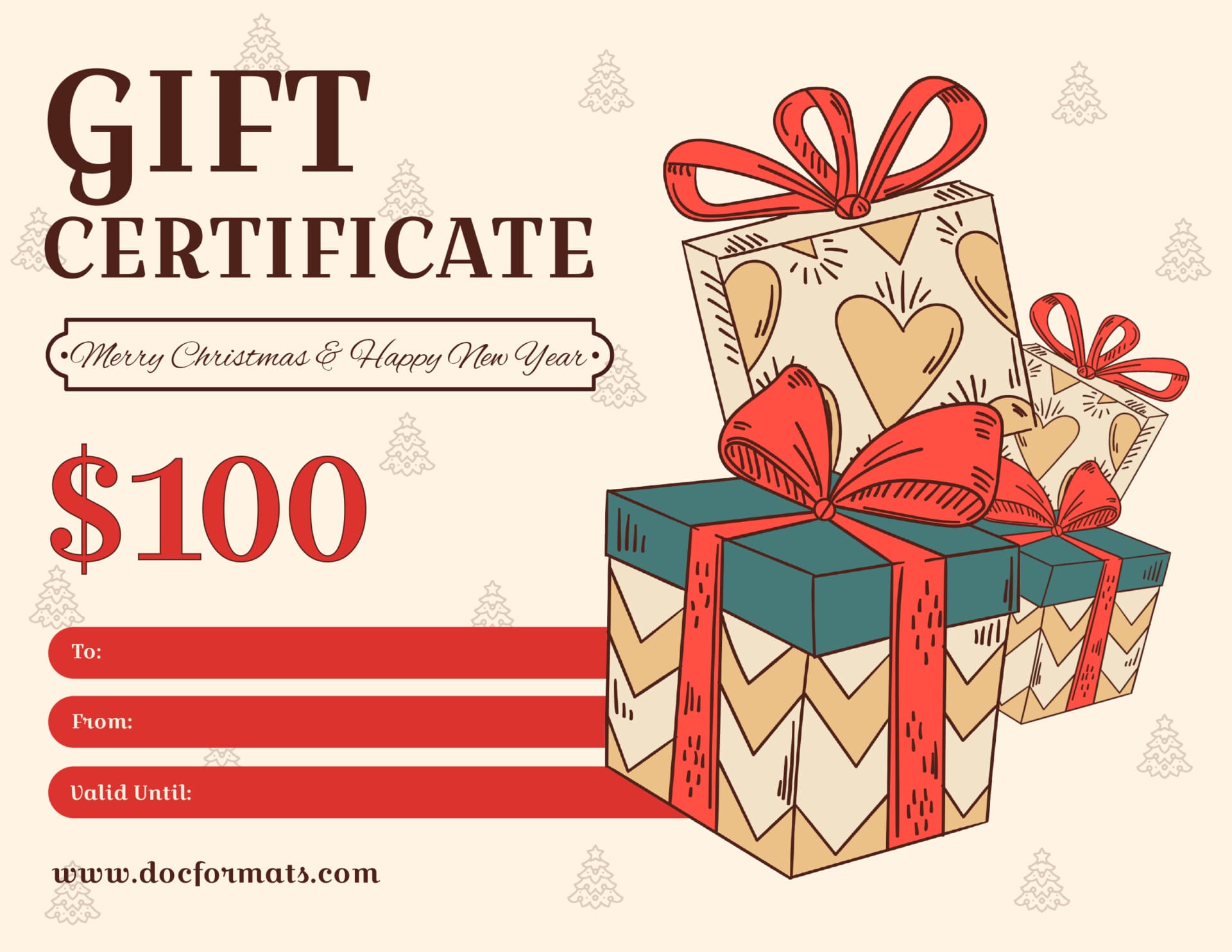
Skin and Red Christmas Gift Certificate Template
Royal Blue and Yellow Christmas Gift Certificate Template

Royal Blue and Yellow Christmas Gift Certificate Template
Fresh Green and Skin Christmas Gift Certificate Template
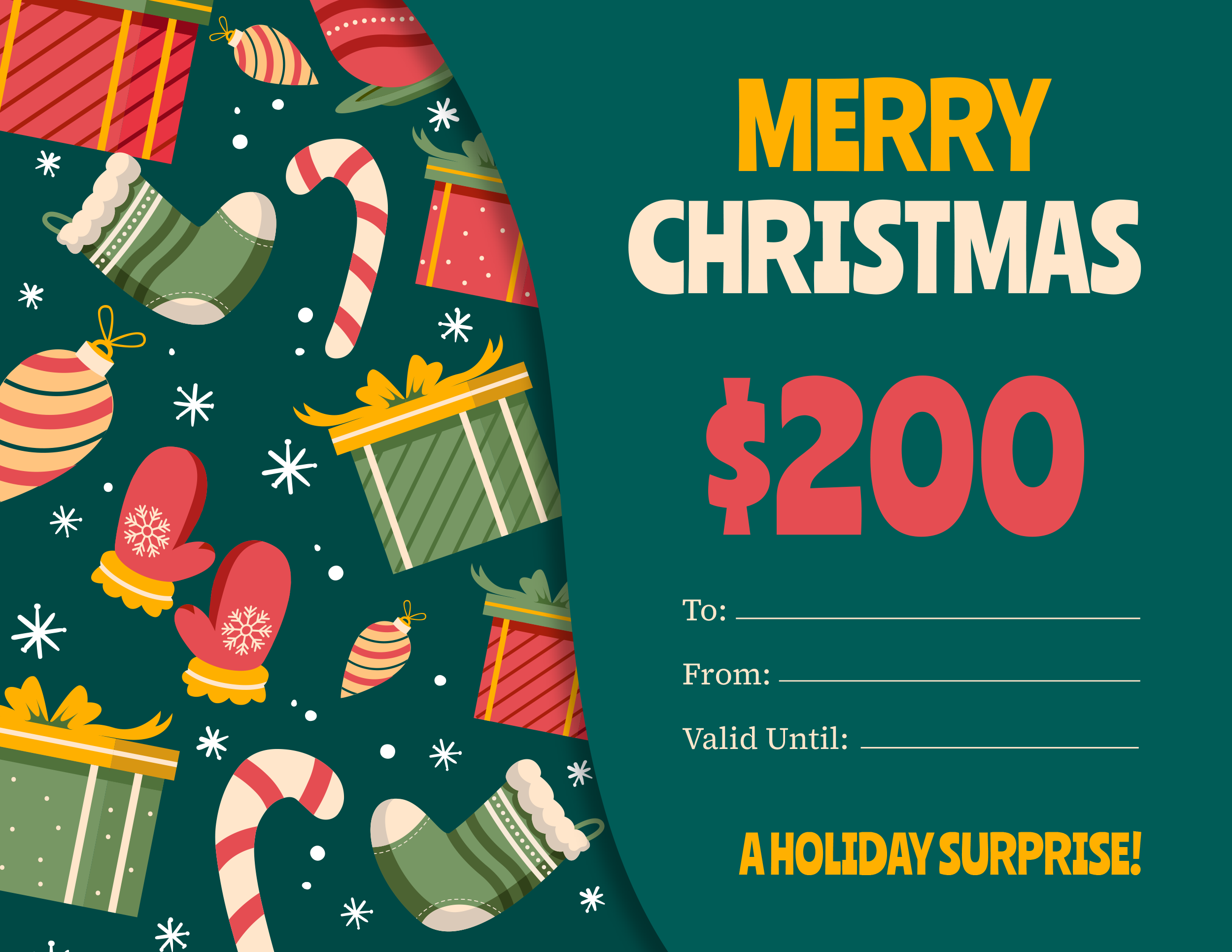
Fresh Green and Skin Christmas Gift Certificate Template
Dark Green and Red Christmas Gift Certificate Template
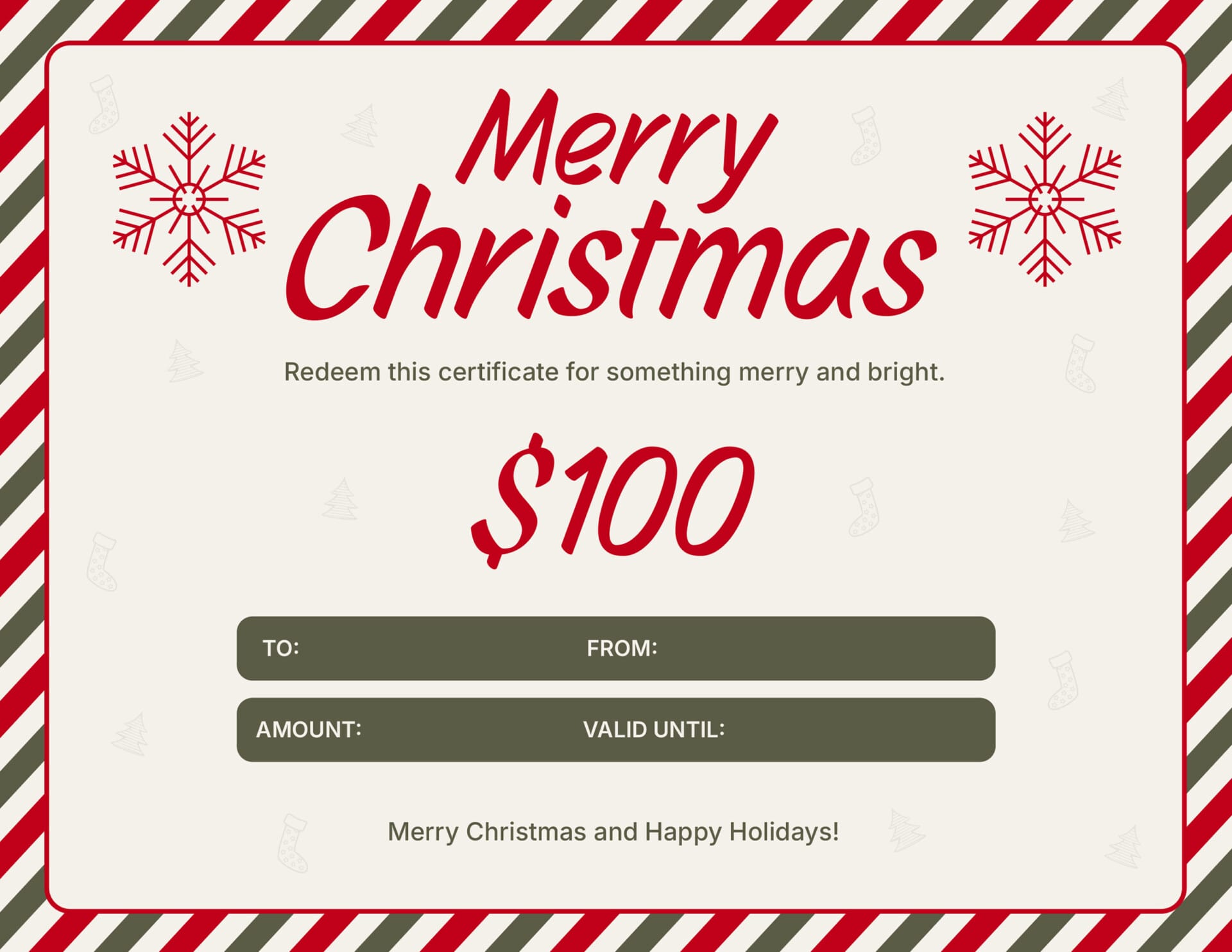
Dark Green and Red Christmas Gift Certificate Template
Skin and Green Blue Christmas Gift Certificate Template

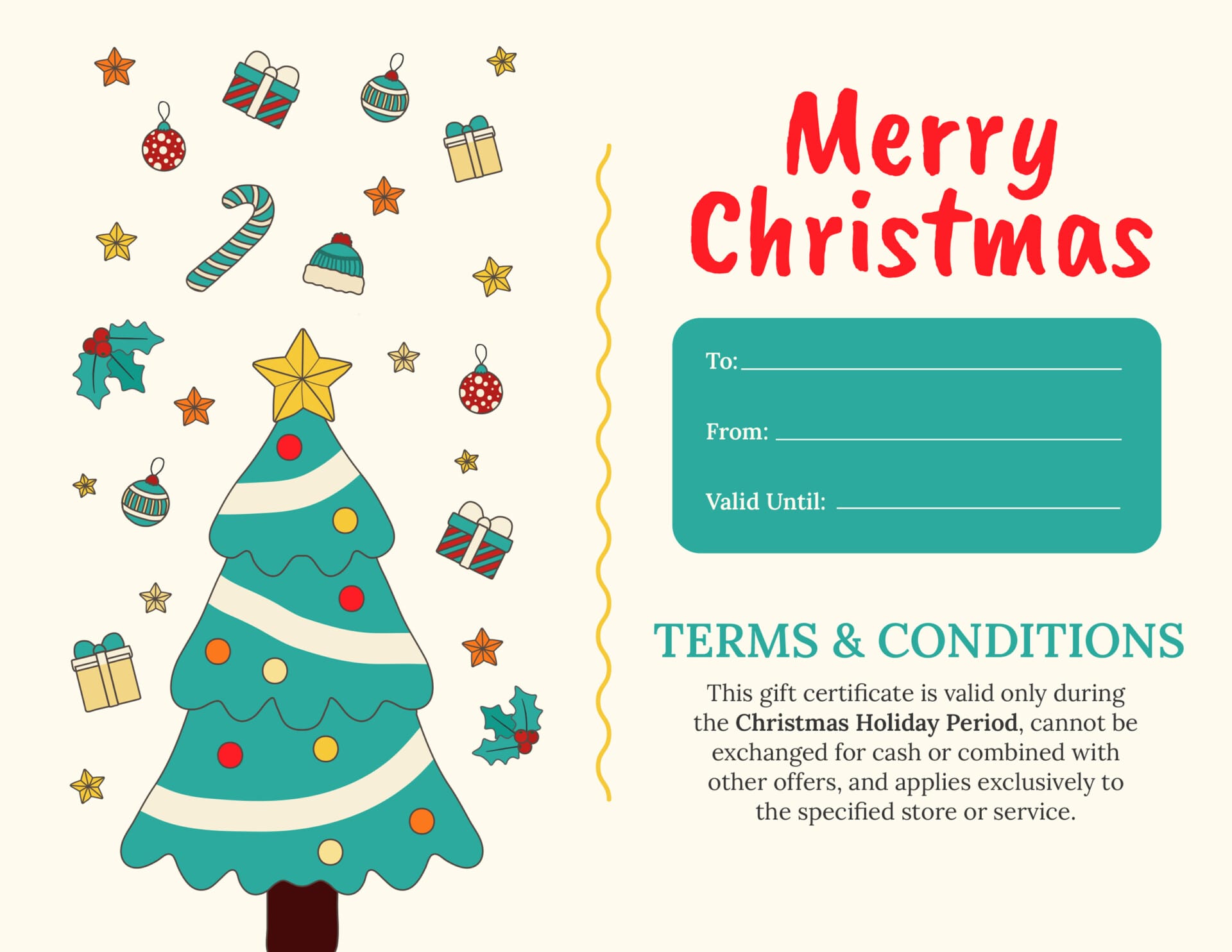
Skin and Green Blue Christmas Gift Certificate Template
Bright Red Christmas Gift Certificate Template
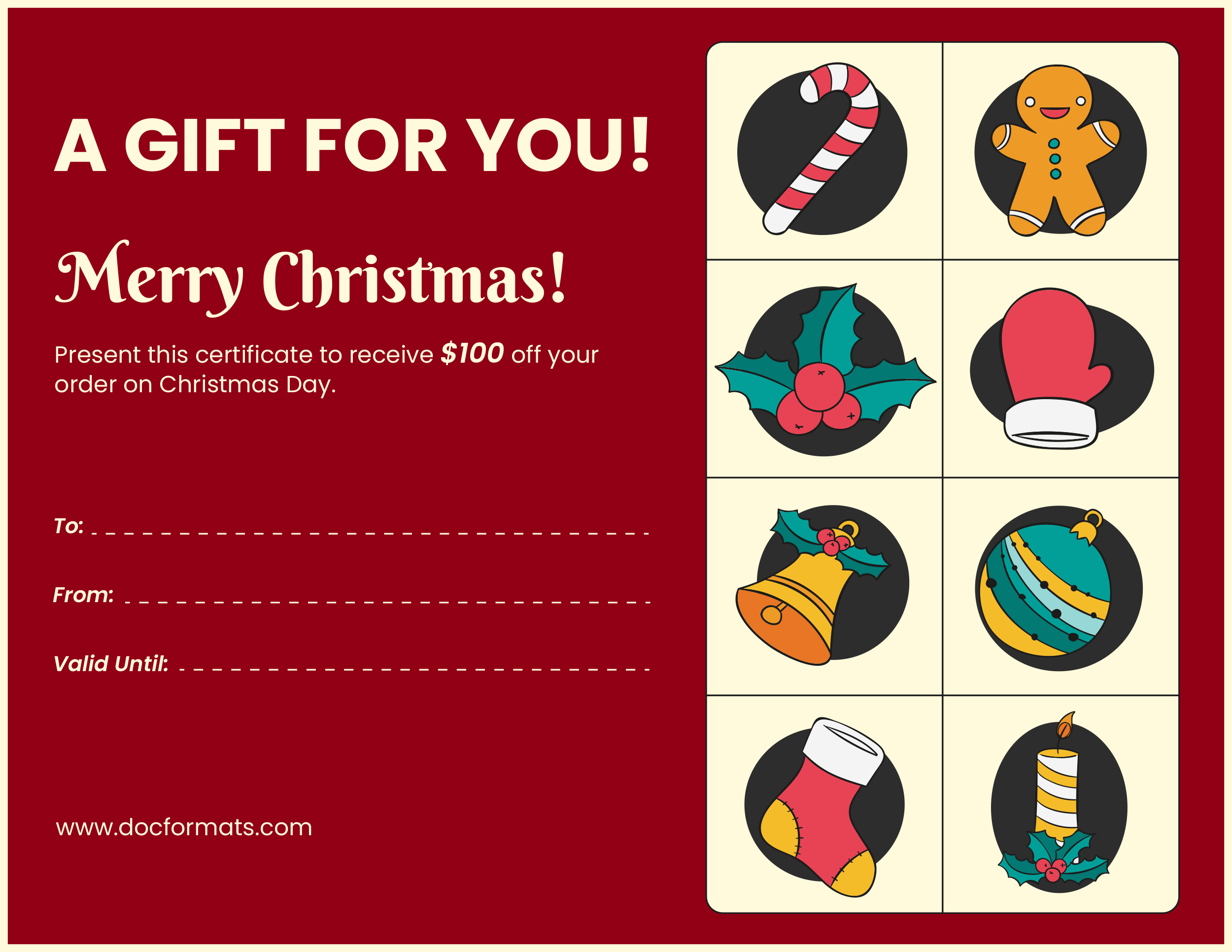
Bright Red Christmas Gift Certificate Template
Dark Green and Red Christmas Gift Certificate Template
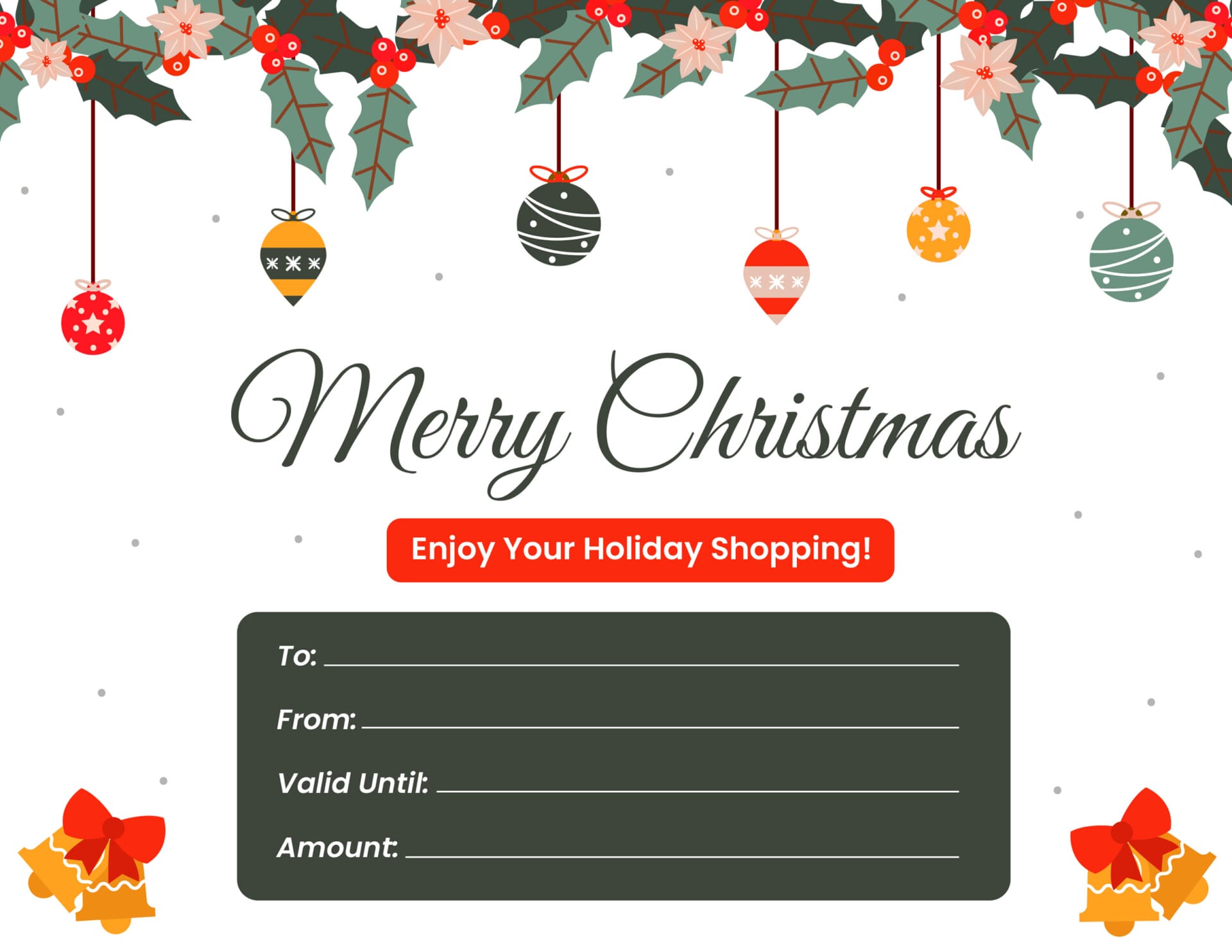
Dark Green and Red Christmas Gift Certificate Template
Colorful Christmas Gift Certificate Template

Colorful Christmas Gift Certificate Template
Bright Red Christmas Gift Certificate Template
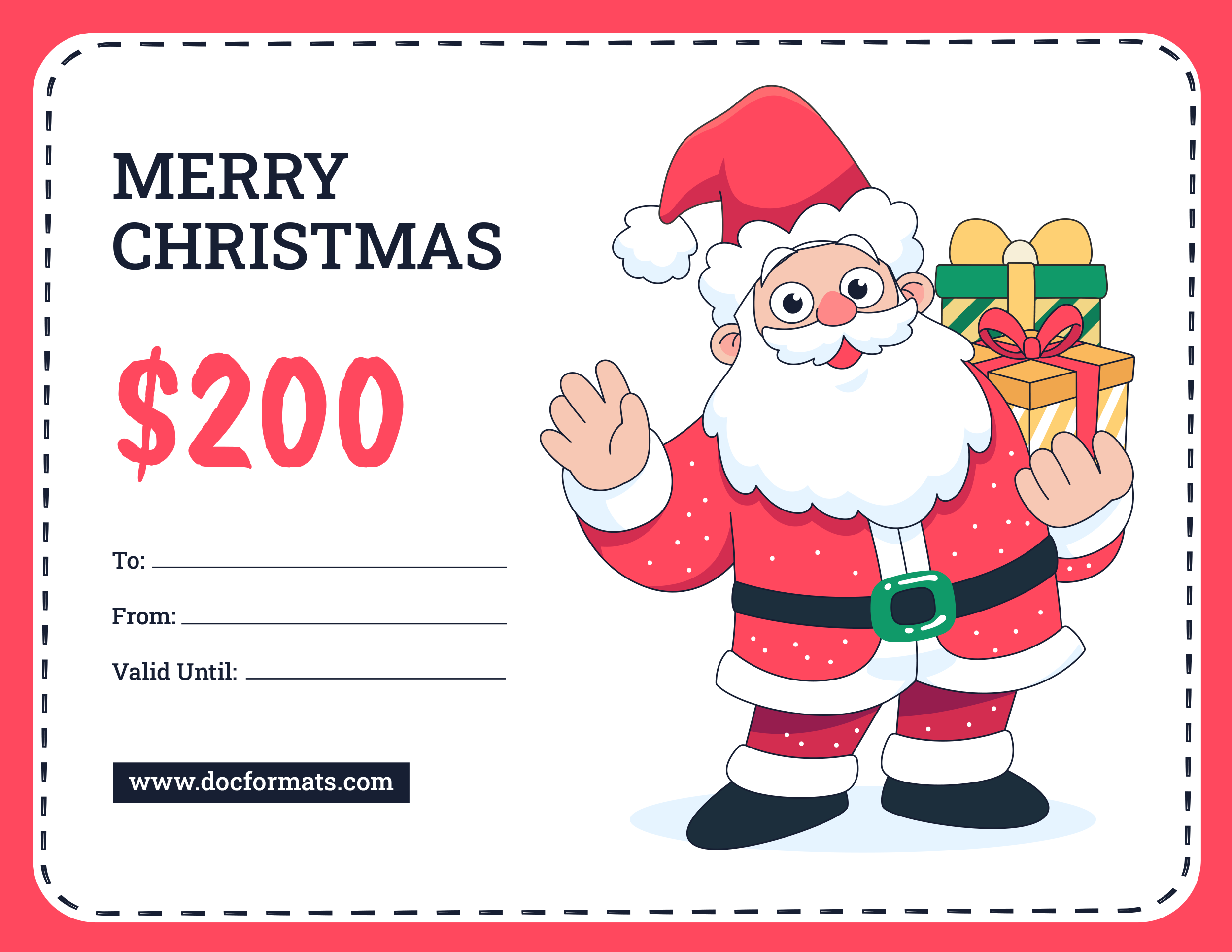
Bright Red Christmas Gift Certificate Template
Light and Dark Blue Christmas Gift Certificate Template

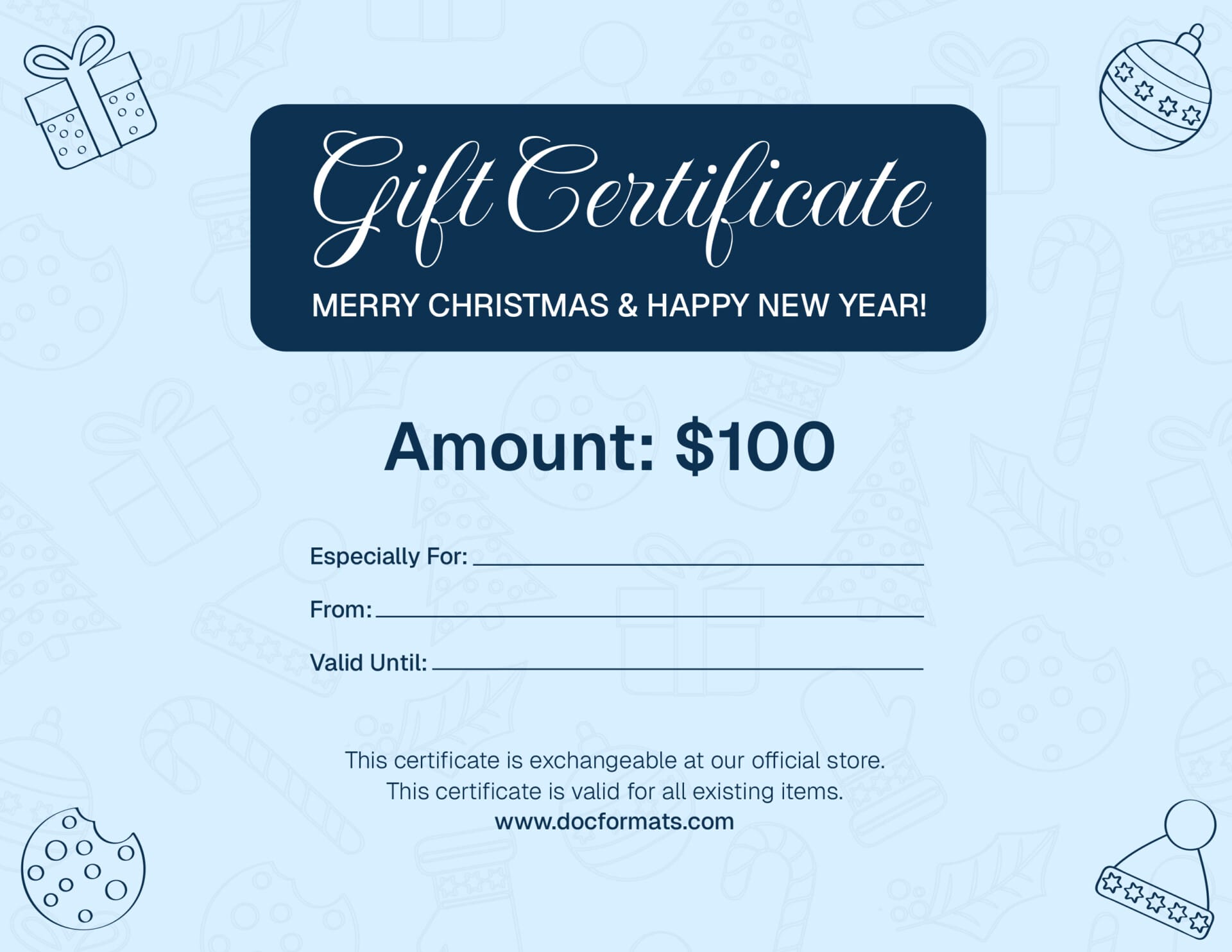
Light and Dark Blue Christmas Gift Certificate Template
Modern Green Christmas Gift Certificate Template
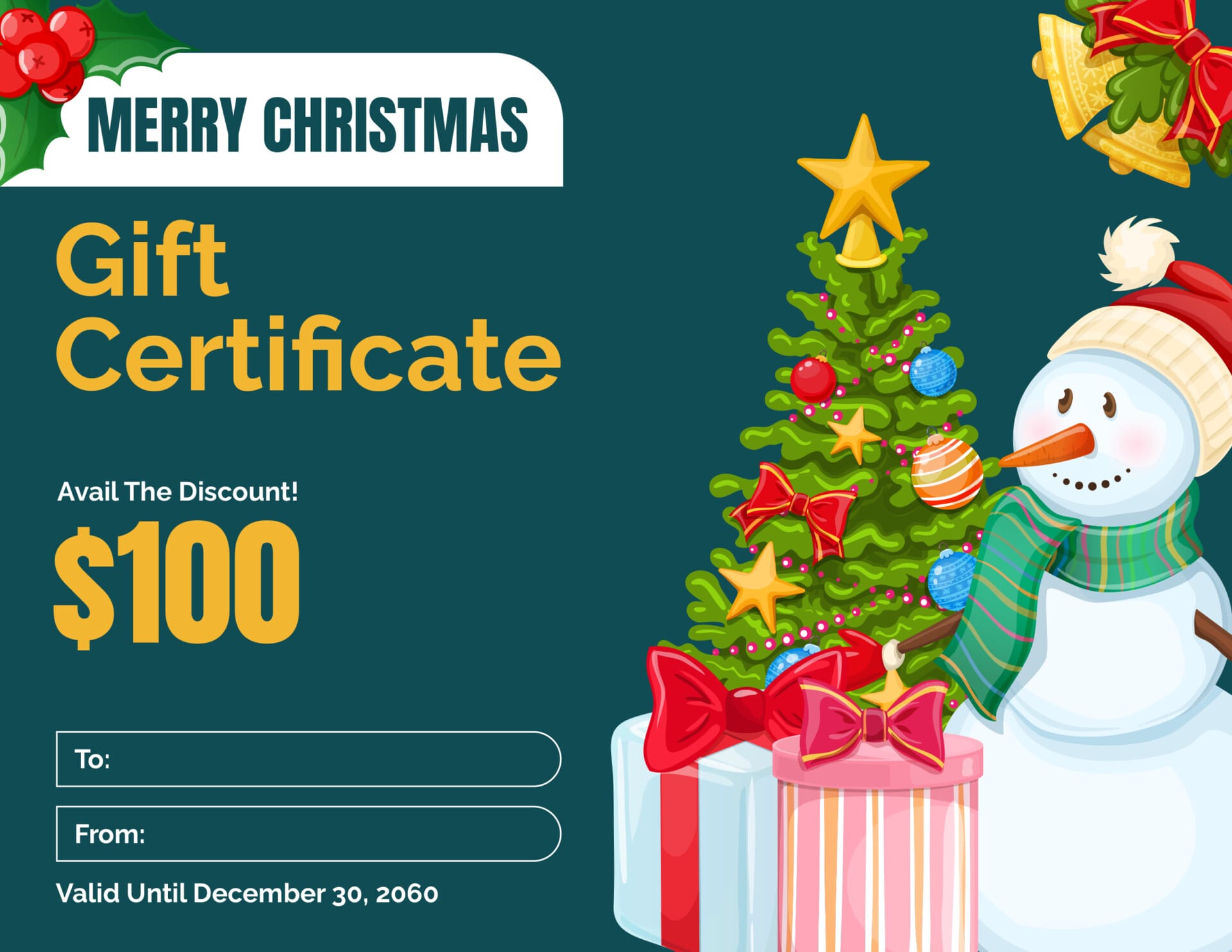
Modern Green Christmas Gift Certificate Template
Reddish Brown Christmas Gift Certificate Template
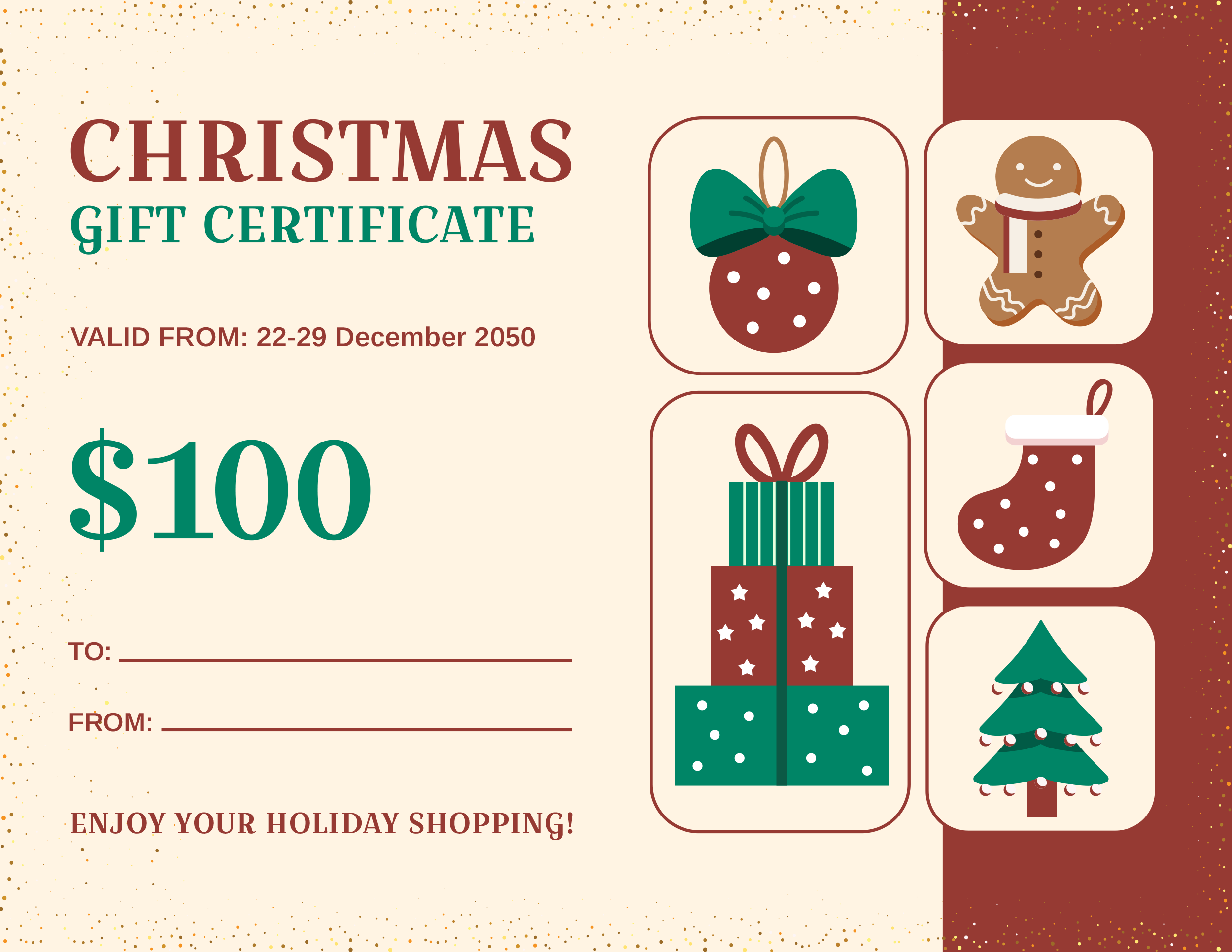
Reddish Brown Christmas Gift Certificate Template
Grey and Yellow Christmas Gift Certificate Template

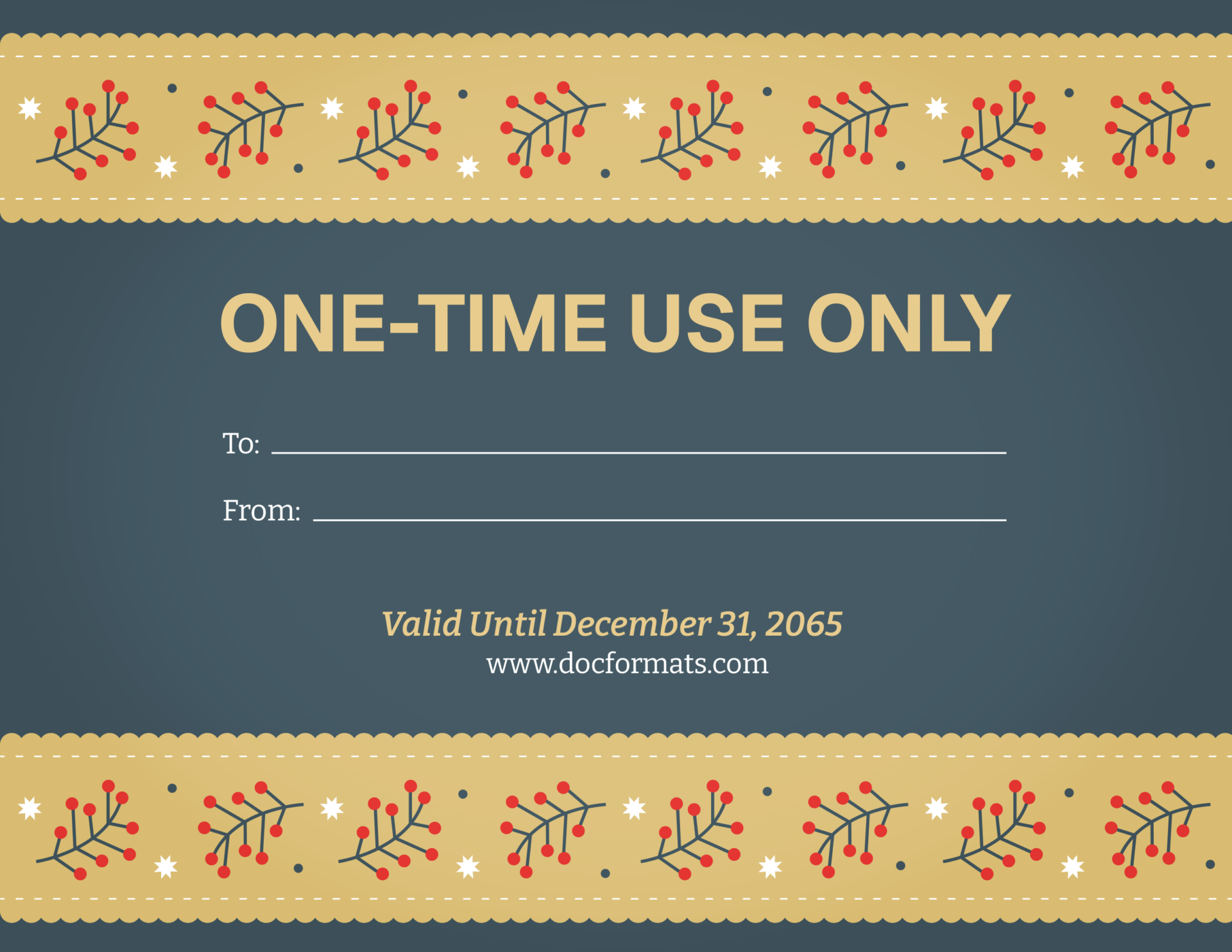
Grey and Yellow Christmas Gift Certificate Template
Traditional Red Christmas Gift Certificate Template
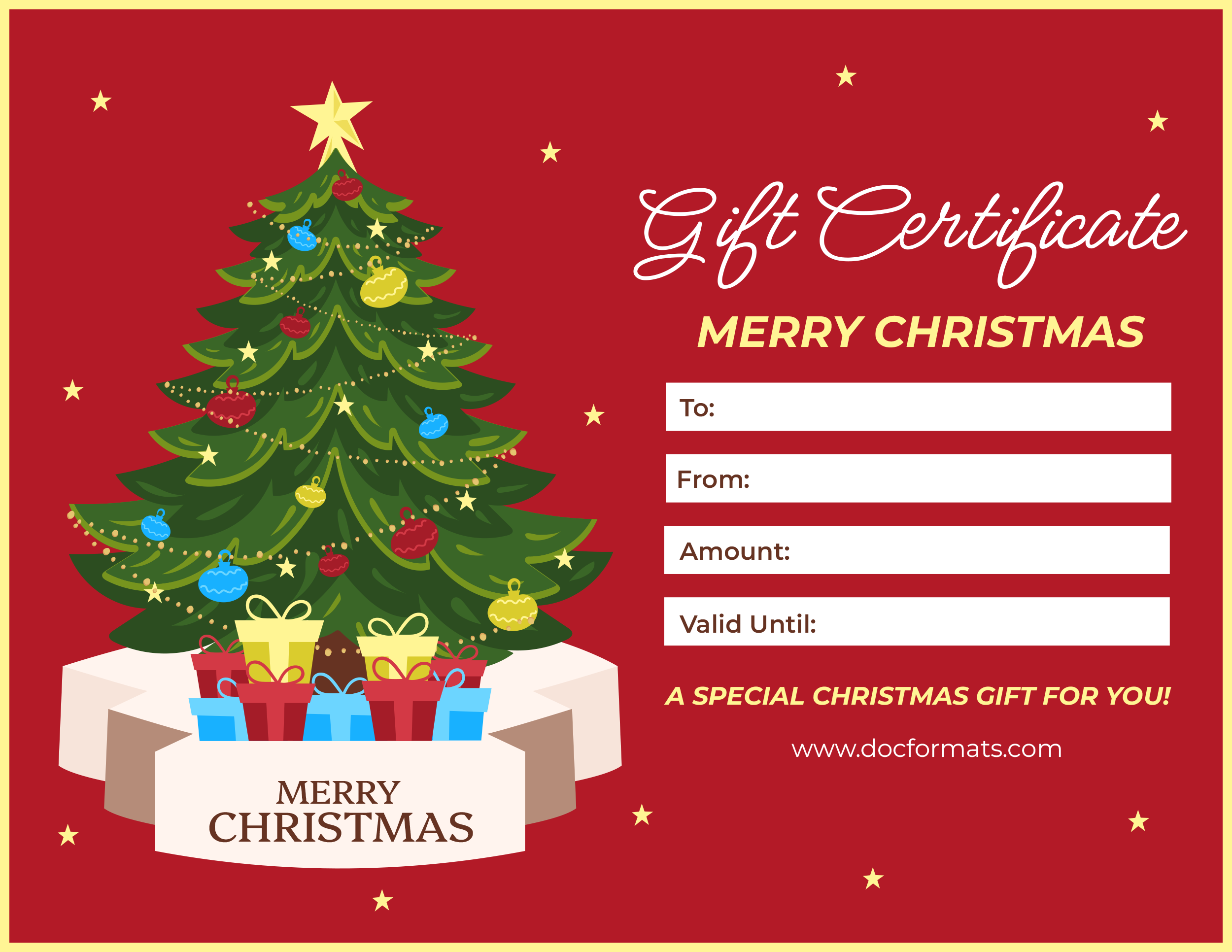
Traditional Red Christmas Gift Certificate Template
How Christmas Gift Certificates Work
A Christmas gift certificate usually represents a set dollar value or a specific service. The recipient presents the certificate at checkout, and the business or giver deducts the value from the purchase. If you are a business, the certificate functions as a promise that you will accept it as payment up to the amount shown.
You can use Christmas gift certificates in a few different ways:
- As a simple personal gift where you agree to buy something from a particular store or give a specific experience.
- As a business owner who wants a festive way to sell gift credit for products or services.
- As a fundraiser or raffle prize, where winners redeem the certificate within a certain time.
For businesses, it is important to record each certificate’s number, amount, and redemption date so that it ties back to your accounting records. For personal use, you may only need a list of the certificates you have given and when they expire, if you choose to add an expiry date.
Essential Elements of a Christmas Gift Certificate Template
A good Christmas gift certificate template keeps all important details in one place so there is no confusion when someone tries to redeem it. When you review or customize your design, look for these key parts.
- Gift amount or description. State either a specific dollar value (for example, 100 dollars) or a clear description of what is covered, such as a massage session, dinner for two, or a toy shopping trip.
- Recipient name. Include a line for “To” so you can write the recipient’s name. This keeps the certificate personal and can reduce the chance of it being passed around or lost.
- From name or business name. Add either the giver’s name for personal gifts or your business name and logo for commercial use. This reminds the recipient where the certificate should be redeemed.
- Unique code or certificate number. A short code or number helps you track which certificates are still active. It is especially useful if several certificates share the same design or amount.
- Issue date and expiry date. The issue date shows when the certificate was created. Many businesses also include an expiry date, subject to any state rules about gift card expiry or unused balances. If you do not plan to expire certificates, you can state that they do not expire.
- Redemption instructions. Briefly explain how and where the certificate can be used. For example, note whether it can be used in store only, online with a code, or at a specific location or branch.
- Terms and conditions. Use a short paragraph to clarify important points such as non-transferability, treatment of lost certificates, partial redemptions, or restrictions on sale items and cash refunds.
- Holiday design and branding. Christmas colours, trees, snowflakes, or gift illustrations give the certificate a festive feel. Consistent fonts and logo placement also keep your brand recognizable if you are a business.
How to Use These Christmas Gift Certificate Templates
Start by choosing a design that fits how you plan to give the certificate. A bright, playful layout works well for children and family gifts, while a simpler style suits spas, salons, and other professional services. Once you have picked a template, download the file in your preferred format and open it in PowerPoint, Google Slides, or Adobe Illustrator.
Replace the placeholder text with your own details. You can change the recipient name, giver or business name, holiday message, and dollar amount. Because the templates are fully editable, you can also adjust fonts, colours, and layout elements to match your brand or family style. Many people create a few standard versions in each program with set amounts, such as 25, 50, or 100 dollars, then reuse those files throughout the season.
Next, review the terms and redemption details. Add an issue date and, if you plan to use one, an expiry date that fits your own policy and any local rules that may apply to gift cards or certificates. Use a short paragraph to explain how the certificate can be redeemed, where it can be used, and any limits on sale items, cash refunds, or partial redemptions. Edit this text directly in PowerPoint, Google Slides, or Illustrator so it lines up neatly with the rest of the design.
When the wording and layout are ready, save your working file and export a copy for printing or digital sharing. For printing, most people export to PDF and use thicker paper or cardstock for a more gift-like feel. Some templates place multiple certificates on a single US Letter page that you can cut with scissors or a paper trimmer. For digital delivery, export a single certificate from your slide or artboard and send it as a PDF or image by email or message.
If you are using certificates for a business, fundraiser, or event, set up a simple tracking method. Record each certificate number, amount, and issue date in a spreadsheet or log. When someone redeems a certificate, mark the entry as used and note the date. This habit prevents the same certificate from being accepted twice and keeps your holiday records tidy.
Pro Tip:
Print one test certificate on regular paper before doing a full batch and look at it from arm’s length. If the amount, dates, and instructions are hard to read, increase the font size or spacing and test again.
FAQs
Yes. The templates are fully editable in PowerPoint, Google Slides, and Adobe Illustrator. You can adjust text, move or resize elements, swap fonts, and update colours so the design matches your brand or holiday theme.
Most designs are set up for US Letter size paper.
You do not have to use an expiry date for personal gifts. If you are issuing certificates as a business, review your state’s rules on gift cards and unused balances before deciding. If you prefer no expiry, you can state that directly on the template.
Yes. After editing the template in PowerPoint, Google Slides, or Illustrator, export a single certificate as a PDF or image and attach it to an email or message. The recipient can present it on their phone or print it later.
Yes. You can adapt the wording for a family gift, a small side business, or a larger store. The key fields such as amount, recipient, and terms remain the same in each case.